

Access Point Deployment
Placed Right. Configured Right. Connected Right.
Enterprise access point deployment for offices, warehouses, campuses, and high‑density venues — every AP positioned from survey data, not guesswork.
Trusted by 30+ enterprises across India — offices, campuses, warehouses & hospitals






Why Enterprises Trust Our
Access Point Deployment
Most AP installers hand you a bill and leave. We start with an RF heatmap, install every AP according to the design, validate performance, and hand you a cloud dashboard you can actually use.

Survey‑First Placement
We never guess AP locations. Every access point is positioned using RF heatmap data – coverage first, hardware second.
Multi‑Vendor Certified
Cisco, Aruba, Ruckus, Ubiquiti, TP‑Link Omada – certified across platforms so we recommend what's right for you.
PoE + AP in One Scope
Switch sizing, PoE budget, and AP installation handled by the same team – no finger‑pointing.
Cloud‑Managed by Default
Every AP deployment is remotely manageable from day one via a unified dashboard.
100% In‑House Engineers
No subcontractors on your site. Same certified team travels pan‑India for your project.
Post‑Deployment Assurance
Walk‑test, documentation, and ongoing support options (break‑fix, AMC, resident engineer).
From Heatmap to Handover in 6 Steps
RF Heatmap Survey
Predictive RF planning using Ekahau/Hamina – no guesswork.
AP Selection & Sizing
Right AP model for density, coverage, and budget.
Mounting & Cabling
Ceiling, wall, or pole mount with clean, managed PoE cabling.
Configuration
SSIDs, VLANs, security (WPA3/802.1X), roaming policies.
Walk‑Test & Validation
Signal strength, roaming, throughput verified zone by zone.
Cloud Onboarding & Handover
Dashboard access, documentation, user training.
Real Projects. Real Engineers. Real AP Deployments.
Live enterprise deployments across Karnataka and Tamil Nadu – offices, warehouses, hospitals, and industrial sites.
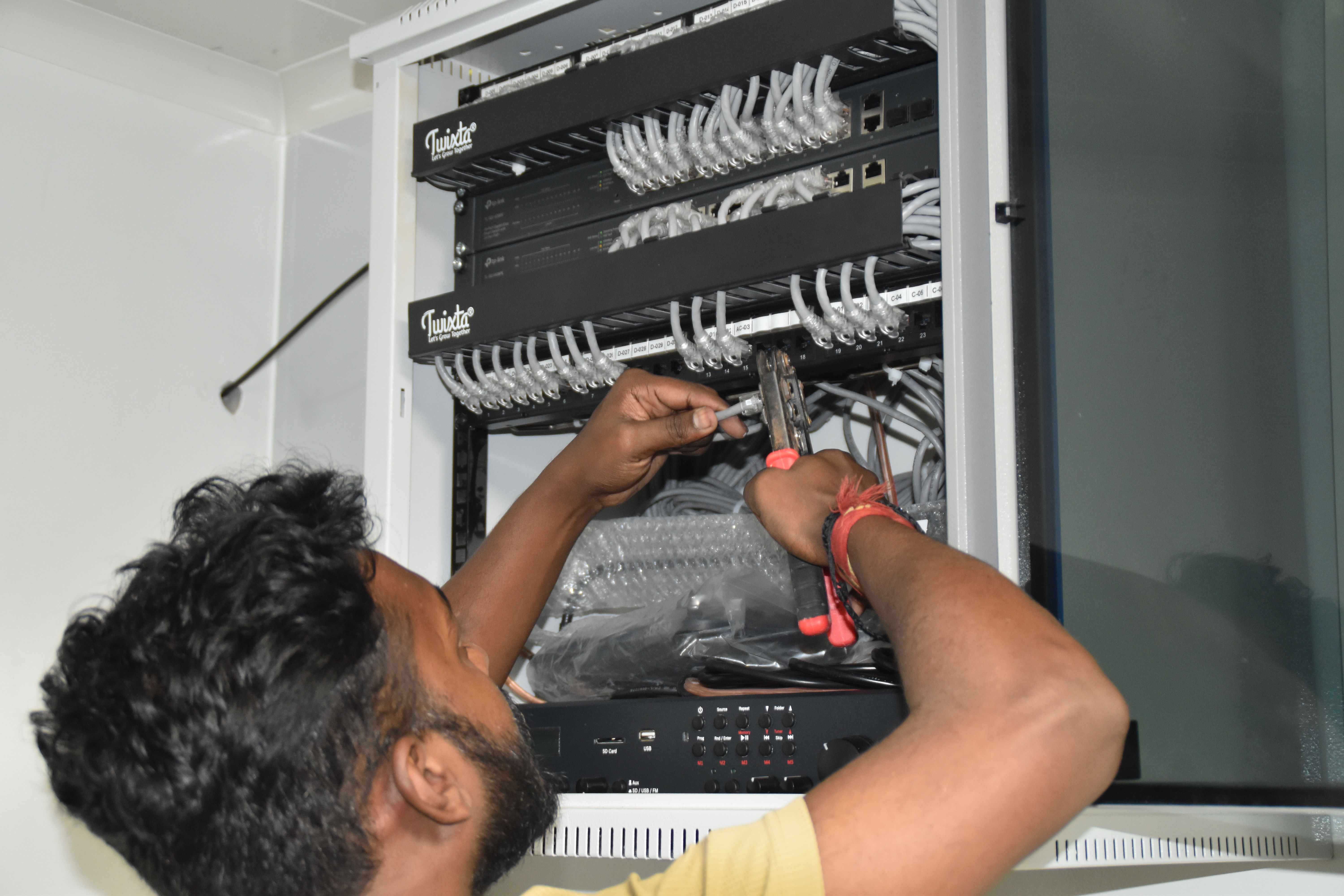
Resident IT engineer support — Yaas Technology Solutions, Karnataka

Enterprise WiFi deployment — Somerset Therapeutics, Karnataka
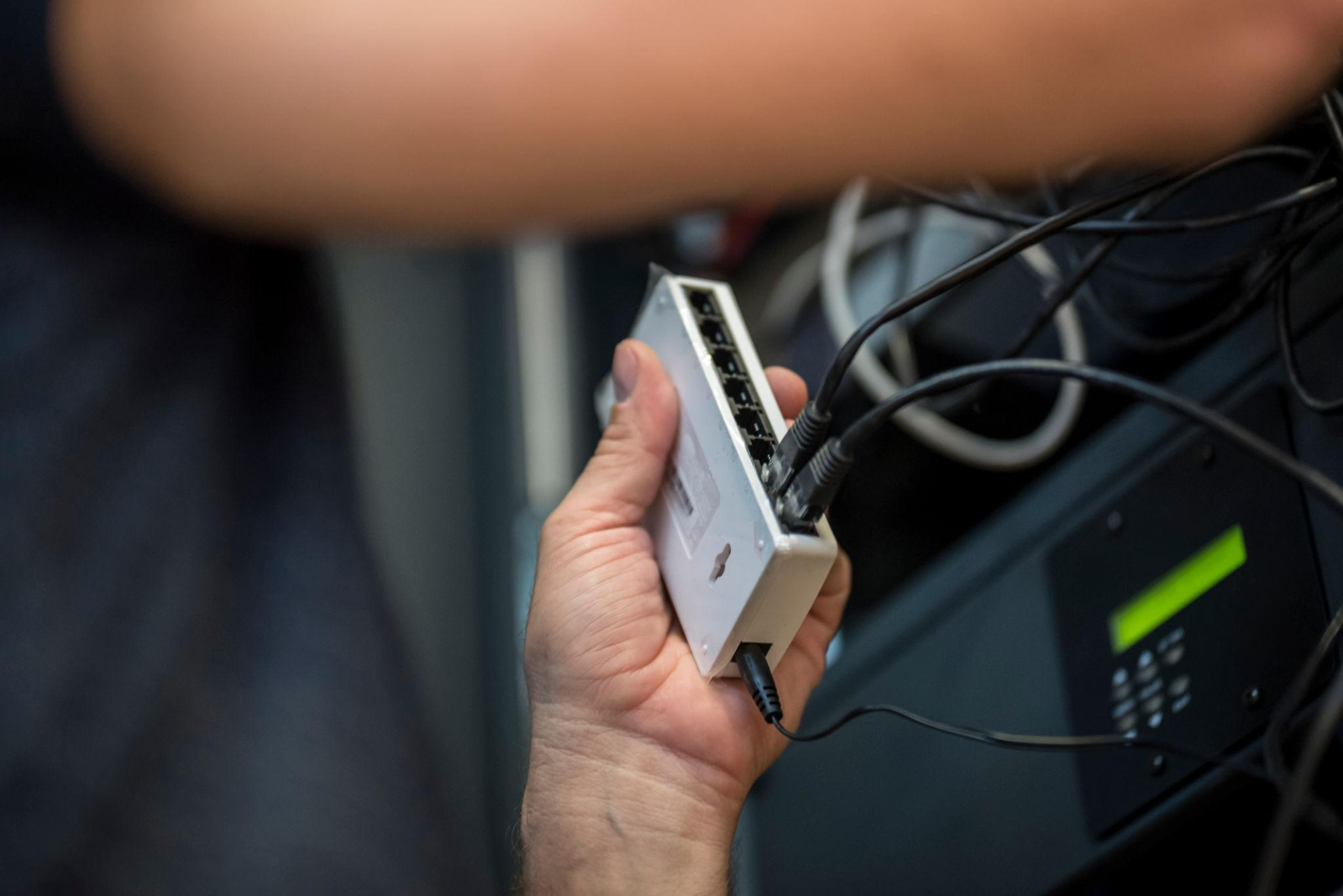
Structured cabling & CCTV infrastructure — Eriez, Tamil Nadu
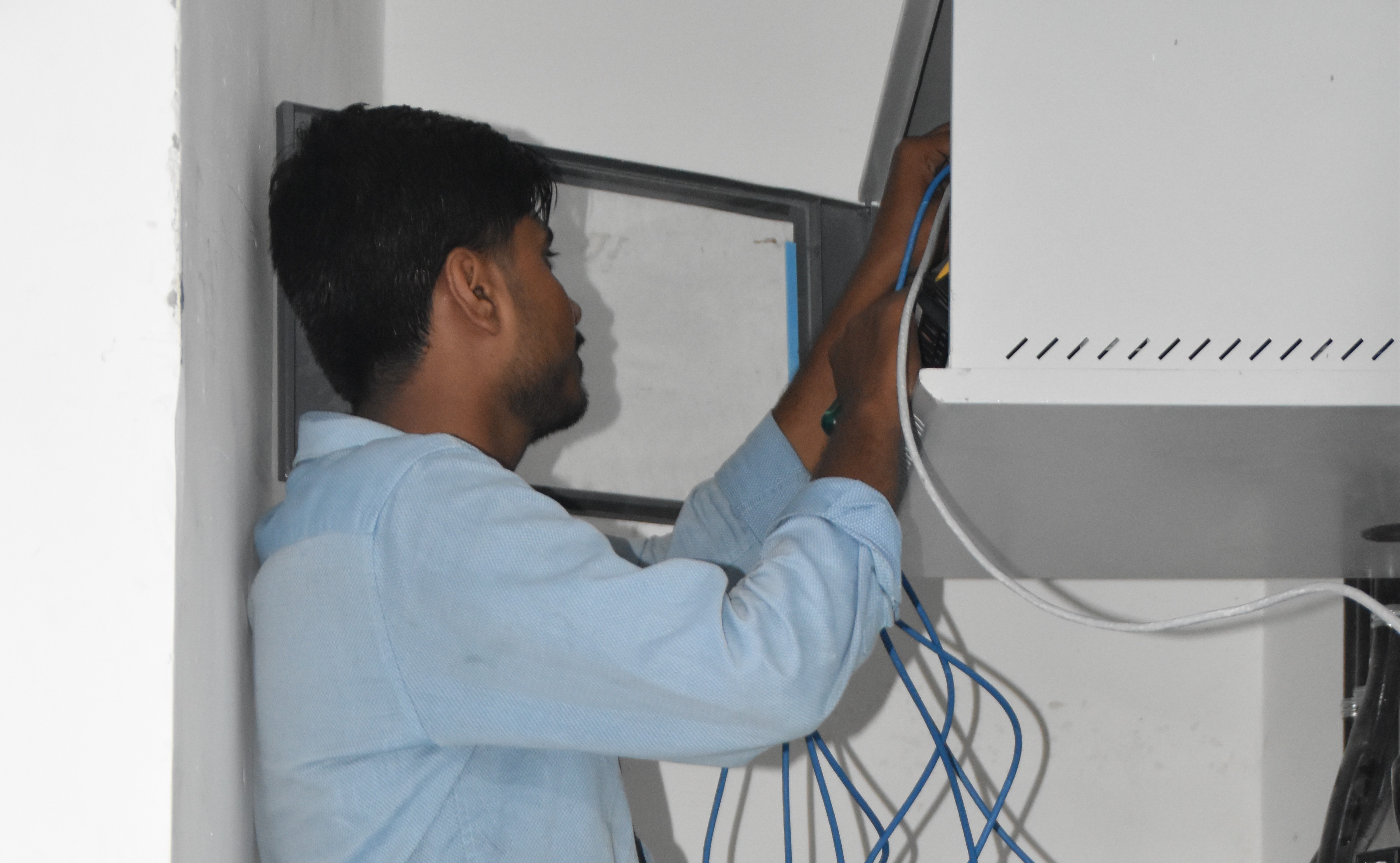
Break‑fix troubleshooting & stabilization — AEOS Labs, Karnataka
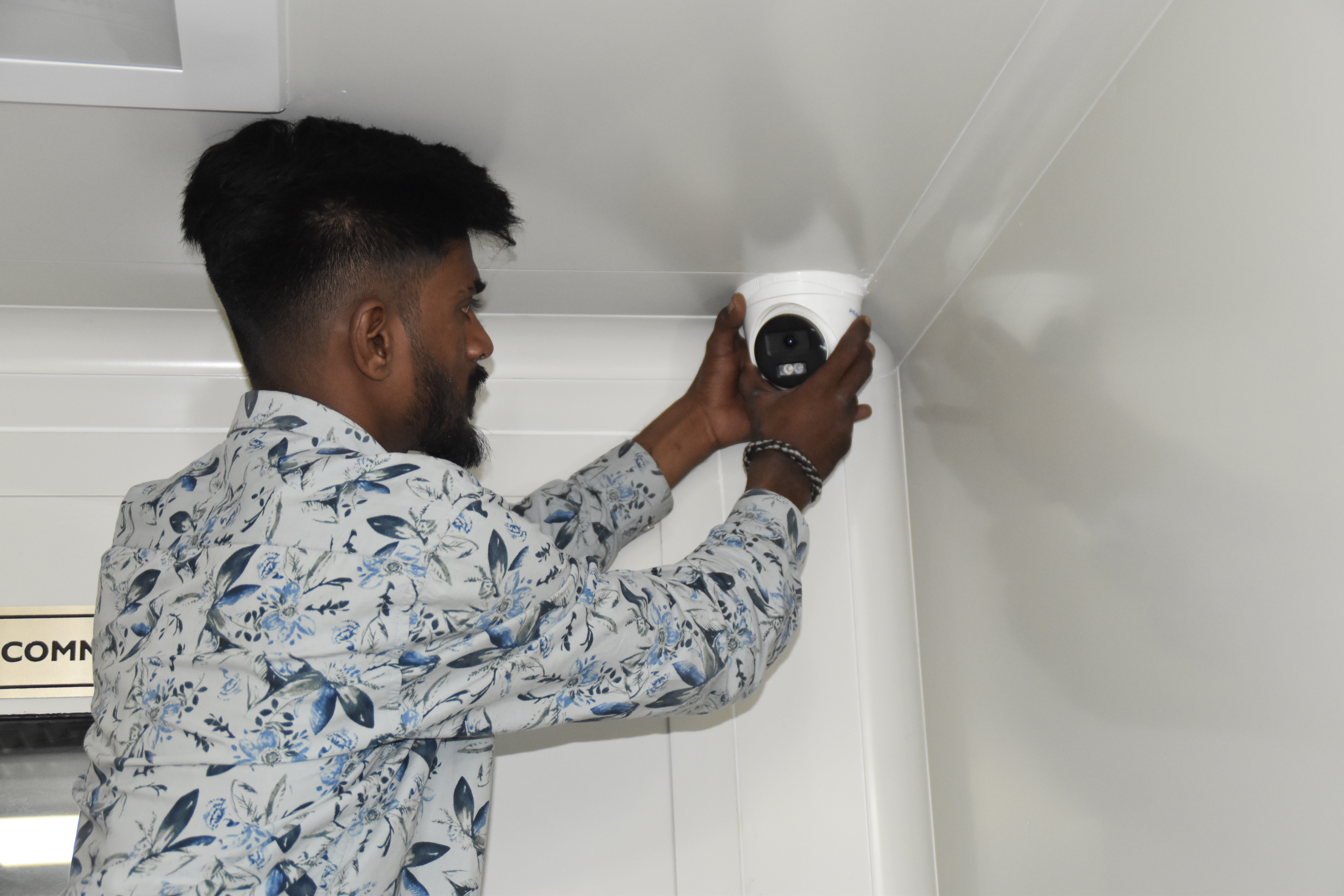
Healthcare network deployment — HCG Cancer Hospital Tower 6, Karnataka
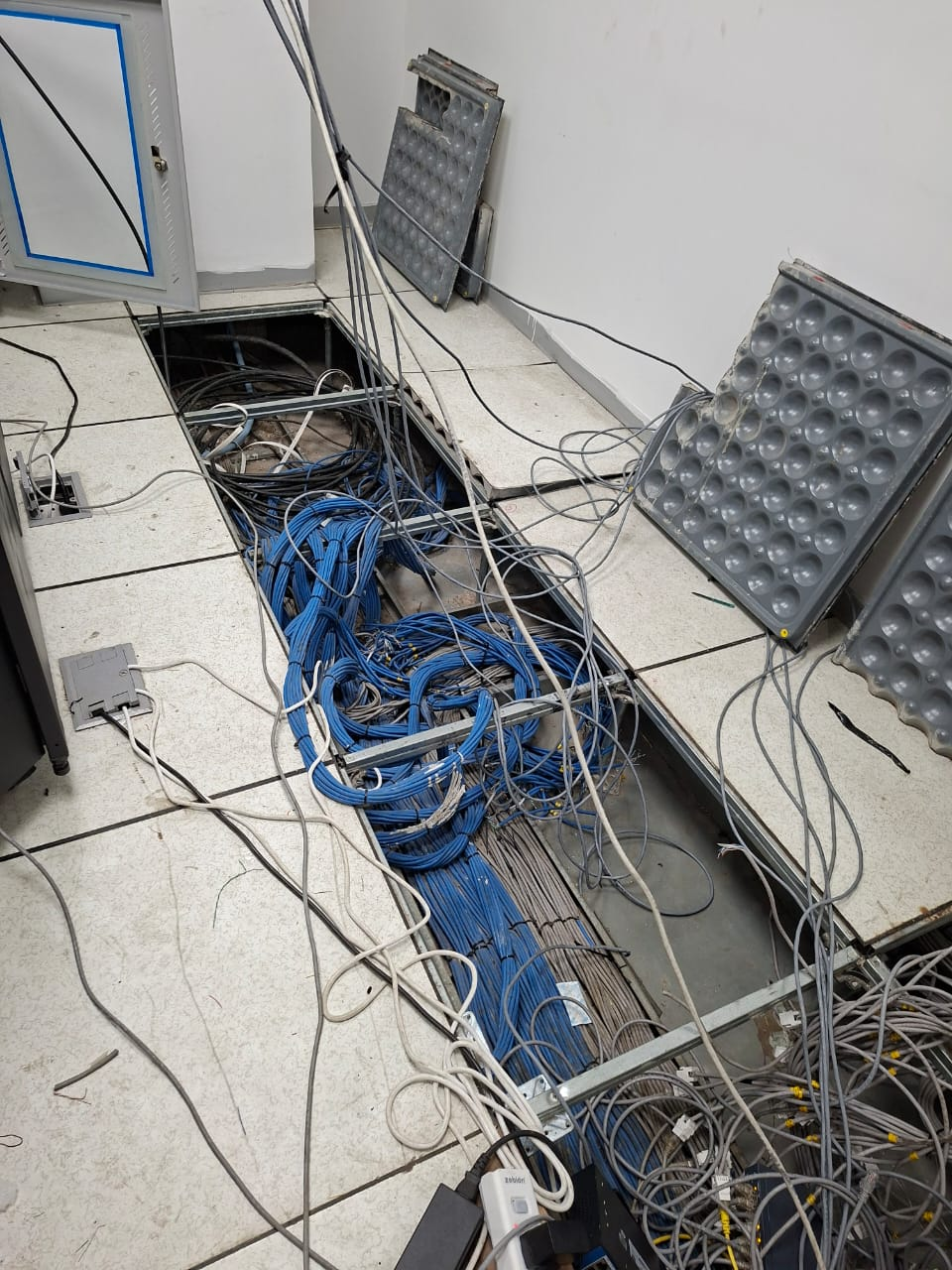
Enterprise infrastructure rollout — KRR Engineering Solutions, Tamil Nadu
25+ Enterprise Deployments Across South India
Access point installations, RF heatmaps, PoE switch integrations, and cloud management.
Office Wi‑Fi to Warehouse Wi‑Fi — Every Environment
Corporate Offices & IT Parks
Wi‑Fi 6, cloud managed, 802.1X
Warehouses & Logistics
Warehouse Wi‑Fi deployment, scanners
Hospitals & Healthcare
High‑density, interference‑
Schools & Universities
Campus Wi‑Fi coverage solution
Hotels & Hospitality
Guest & back‑office networks
Pharma & Cleanrooms
Validated wireless environments
Construction & Tech Parks
Outdoor, ruggedised APs
Manufacturing Plants
OT/IT Wi‑Fi, SCADA‑safe design
Frequently Asked Questions
Everything you need to know about access point deployment.
Can you install APs in a false ceiling without making it look untidy?+
Yes — we use in‑ceiling flush mount AP brackets and route PoE cabling above the ceiling tile, leaving only the AP face plate visible. We also paint or colour‑match where required.
Do you supply the hardware or just install?+
Both. Layerix can supply and install, or install hardware you have already procured. We are OEM‑authorised for multiple brands including Cisco, Aruba, Ruckus, Ubiquiti, TP‑Link Omada, and D‑Link.
What happens if the Wi‑Fi performance is poor after installation?+
All Layerix deployments include a walk‑test and sign‑off. If post‑handover performance falls below the agreed spec, we return and resolve it at no charge within the warranty period.
Can you add APs to our existing network?+
Yes, provided the existing controller or cloud platform supports the new AP model. We assess compatibility before recommending any hardware.
What is the typical timeline for a 20‑AP deployment?+
A standard 20‑AP office deployment takes 2–3 working days, inclusive of mounting, configuration, and walk‑test. The RF heatmap survey is completed in 1 day prior.
Our AP Success Stories
Real access point deployments across India


























Ready to Eliminate Dead Zones Forever?
Book a RF heatmap survey. Our wireless engineer maps your space, recommends the right AP placement, and gives you a fixed‑price proposal – no obligation.
Response within 2 business hours · Pan‑India deployments · Cisco Certified team