

Private Cloud & HCI
On‑Premise Cloud Agility
Self‑service private cloud with VMware, Proxmox, or Nutanix. Hyper‑converged infrastructure, hybrid cloud ready, and data‑sovereign by design.
Nutanix AOS · Proxmox VE
3‑tier · GPU ready
Role‑based access · API
Identity federation
Trusted by 30+ enterprises across India






Complete Private Cloud Infrastructure
From HCI design to hybrid cloud integration – all delivered in‑house, pan‑India, on your hardware.

HCI & Private Cloud Design
Architecture design – hyper‑converged or 3‑tier – with capacity planning, networking, and security built in. Design‑before‑deploy methodology.

VMware vSphere / vSAN
Enterprise‑grade virtualisation with vSphere, vSAN for HCI storage, and vCenter management. Live migration, HA, DRS, and vMotion.

Proxmox VE
Open‑source virtualisation with KVM and LXC containers. Built‑in Ceph storage, clustering, and web‑based management. Cost‑effective private cloud.

Nutanix AOS / Prism
HCI platform with Nutanix AOS, Prism management, and Acropolis hypervisor. Simple scaling, integrated storage, and one‑click operations.

Self‑Service Portal & Automation
User‑friendly self‑service portal for VM provisioning, backup/restore, and resource monitoring. API access for automation.

Hybrid Cloud & Backup Integration
Connect private cloud to AWS, Azure, or GCP for bursting. Backup to cloud or offsite. Identity federation and single sign‑on.
Why Enterprises Choose Our
Private Cloud Engineers
Private cloud is not just virtualisation – it's self‑service, automation, scaling, and hybrid connectivity. We design systems that give you the agility of public cloud with the security and control of on‑premise.

Design‑Before‑Deploy
Capacity planning, node sizing, network topology, and storage design are agreed on paper before a single server is racked.
Platform‑Neutral
We deploy VMware, Nutanix, or Proxmox – we recommend the right platform, not a forced brand.
Data Sovereignty by Default
Your data stays on your premises. Perfect for regulated industries and data‑sovereignty requirements.
Full Documentation & Runbooks
Architecture diagrams, IP schemes, storage maps, and operational runbooks – all delivered at handover.
AMC with Health Monitoring
Proactive health checks, firmware updates, capacity monitoring, and 12×6 break‑fix support.
Hybrid Cloud Ready
Built‑in integration with AWS, Azure, and GCP for bursting, backup, and disaster recovery.
From Assessment to Cloud in 6 Steps
Assessment & Capacity Planning
Evaluate VM count, performance requirements, storage needs, and growth projections.
Platform & Architecture Design
Select platform (VMware/Nutanix/Proxmox), design HCI nodes, network topology, and storage.
Hardware Procurement
Specify servers (Dell/HPE/Lenovo/SuperMicro), networking, and storage – vendor‑neutral.
Installation & Configuration
Rack, cable, power, and install platform software. Configure HA, DR, and backup.
Self‑Service & Automation Setup
Deploy self‑service portal, role‑based access, and API integration with existing tools.
Testing, Migration & Handover
Performance test, failover validation, P2V migration (if needed), and deliver runbooks.
VMware vs Nutanix vs Proxmox – Which Private Cloud Platform?
| Feature | VMware vSphere/vSAN | Nutanix AOS | Proxmox VE |
|---|---|---|---|
| Licensing Model | Commercial (per CPU) | Commercial (per node) | Open‑Source (optional subscription) |
| Hypervisor | ESXi | AHV (KVM‑based) | KVM + LXC |
| Storage | vSAN (HCI), NFS, iSCSI | Distributed Storage Fabric | Ceph, ZFS, NFS, iSCSI |
| Management | vCenter (mature) | Prism (simple, unified) | Web UI (lightweight) |
| Best For | Enterprise, broad ecosystem | HCI simplicity, multi‑cloud | Cost‑sensitive, open‑source shops |
*Layerix recommends the right platform based on your workload, budget, and team skills.
Real Private Cloud Deployments
Live private cloud and HCI deployments across Karnataka and Tamil Nadu – corporate, healthcare, pharma, and manufacturing.
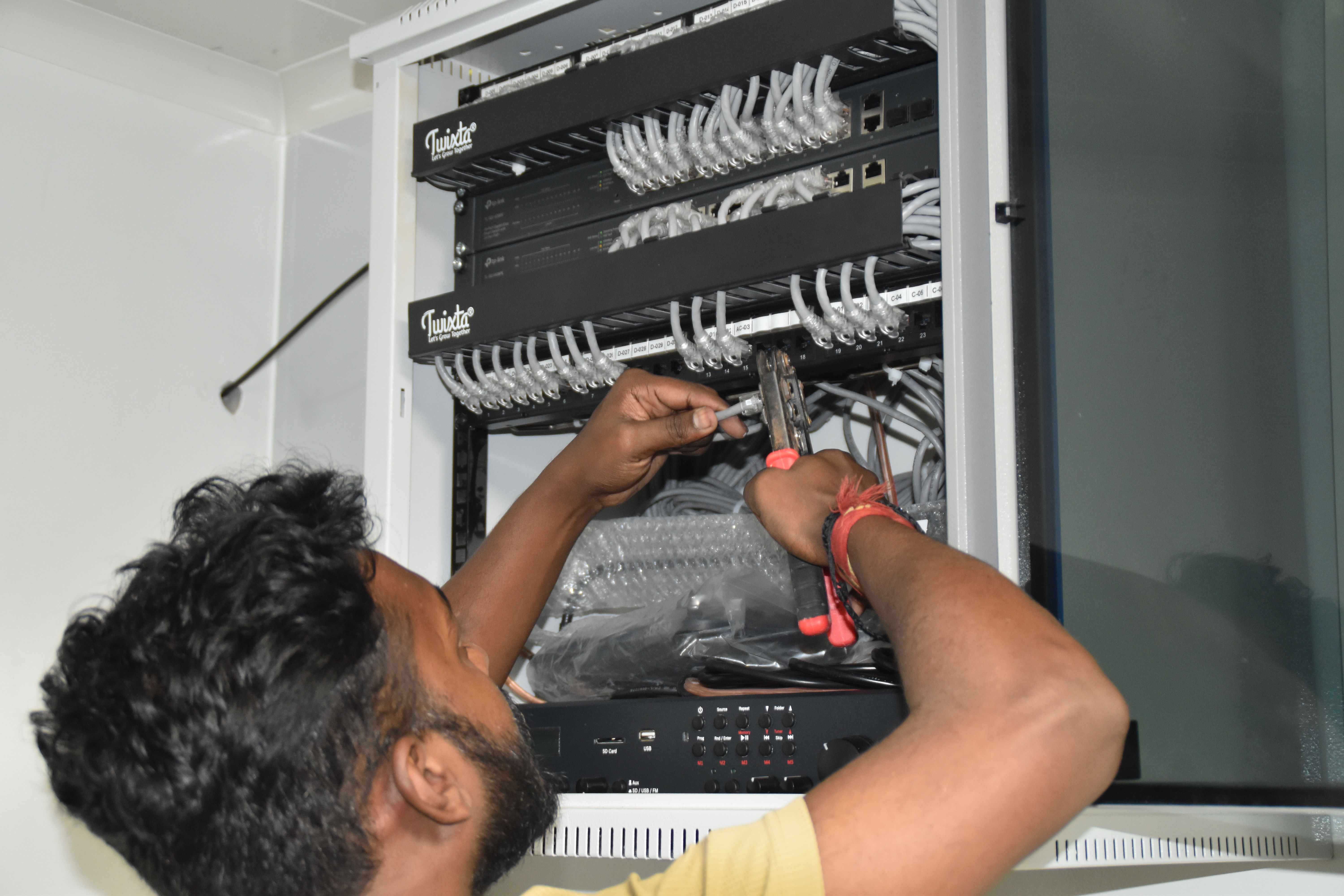
Resident IT engineer support — Yaas Technology Solutions, Karnataka

Enterprise WiFi deployment — Somerset Therapeutics, Karnataka

Structured cabling & CCTV infrastructure — Eriez, Tamil Nadu
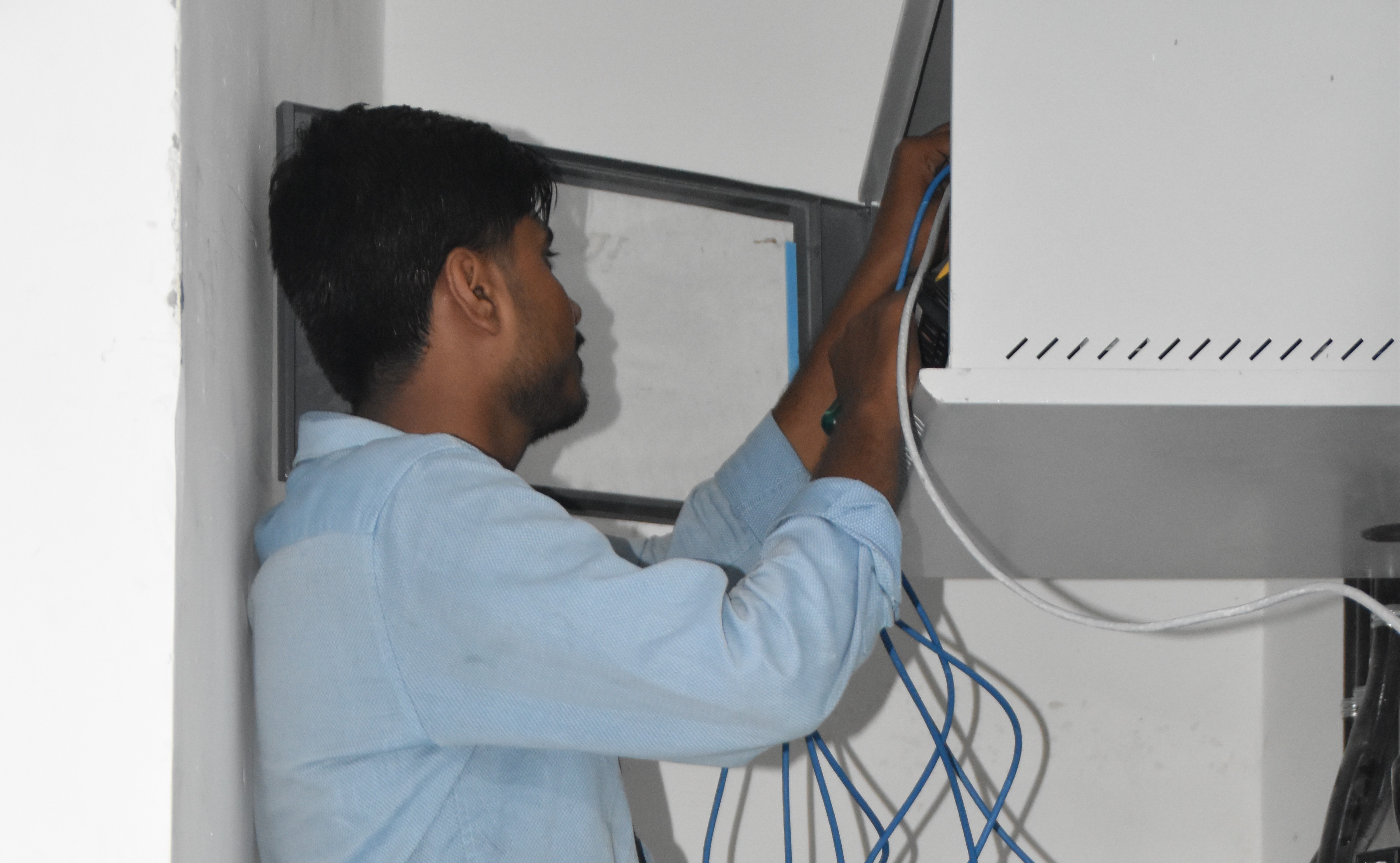
Break‑fix troubleshooting & stabilization — AEOS Labs, Karnataka

Healthcare network deployment — HCG Cancer Hospital Tower 6, Karnataka
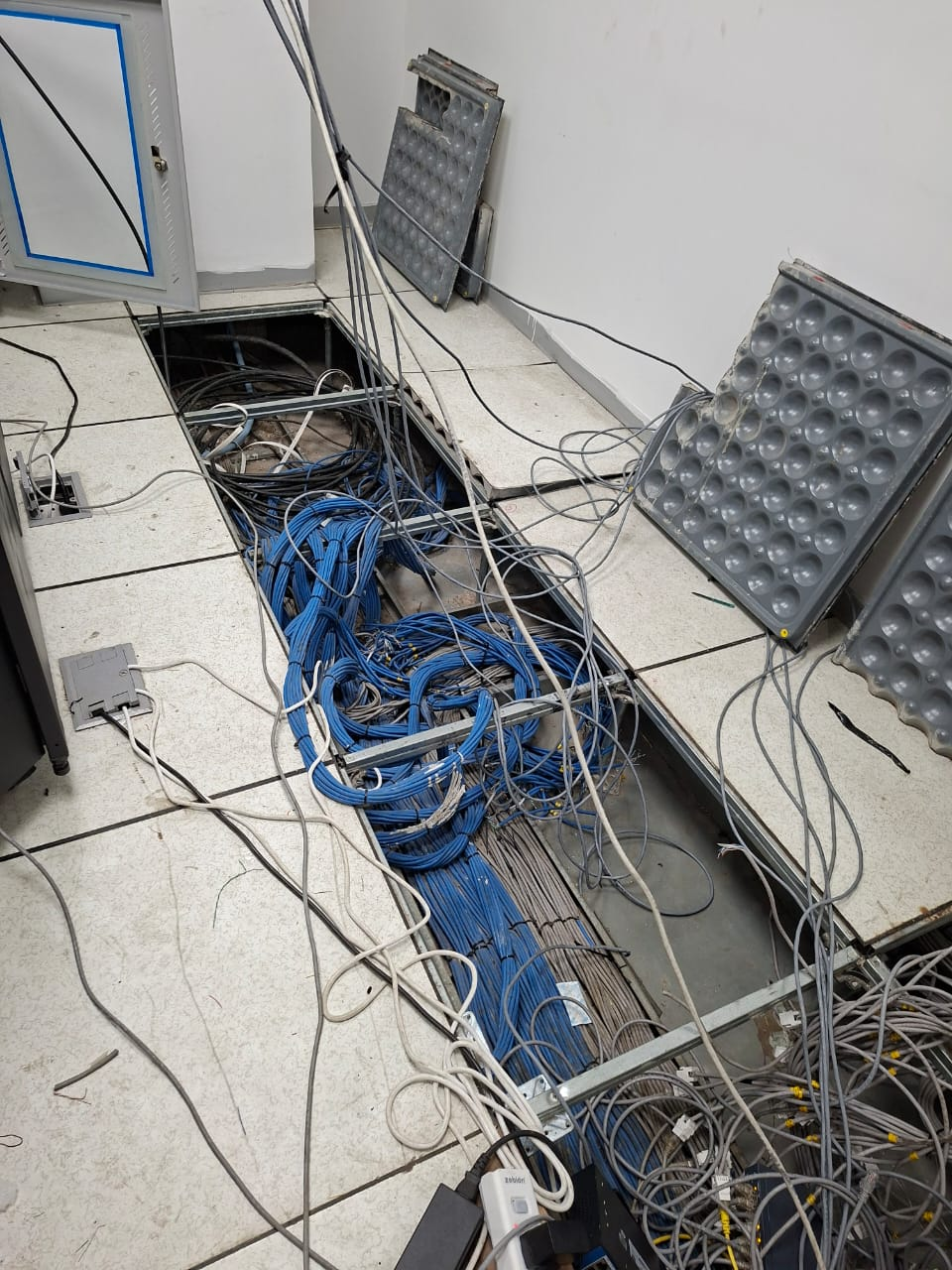
Enterprise infrastructure rollout — KRR Engineering Solutions, Tamil Nadu
25+ Enterprise Deployments Across South India
Private cloud, HCI, virtualisation – all delivered 100% in‑house.
Trusted Across Industries in India
Corporate Offices
Hospitals & Healthcare
Pharmaceuticals
Manufacturing
Technology Companies
Banking & Finance
Education
Hotels & Hospitality
“Layerix deployed a 6‑node Proxmox private cloud with Ceph storage for our R&D team. We now have self‑service VM provisioning in minutes, with full data sovereignty. Cost‑effective and rock‑solid.”
CTO
Technology Company, Bengaluru
“We needed VMware vSAN HCI for our pharma compliance environment. Layerix sized the hardware, configured HA and vMotion, and delivered full documentation. Audit ready from day one.”
IT Director
Pharmaceutical Company, Mumbai
Frequently Asked Questions
Everything you need to know about private cloud and HCI.
What is the difference between private cloud and virtualisation?+
Virtualisation is the underlying technology that runs VMs on physical servers. Private cloud builds on virtualisation by adding self‑service provisioning, automated scaling, chargeback/showback, multi‑tenant isolation, and an API‑driven management layer. Private cloud gives you the agility of public cloud on your own premises.
What is hyper-converged infrastructure (HCI) and why is it used for private cloud?+
HCI combines compute, storage, and networking into a single software‑defined appliance, managed through a unified interface. It simplifies scaling, reduces TCO, and is ideal for private cloud because it provides the elasticity and management simplicity expected from a cloud experience – without the complexity of separate server, storage, and network silos.
Which private cloud platform do you recommend – VMware, Proxmox, or Nutanix?+
VMware vSphere/vSAN is the enterprise standard with broad ecosystem support. Nutanix offers a simple HCI platform with strong integrated management. Proxmox VE is open‑source, cost‑effective, and gaining enterprise adoption. Layerix is vendor‑neutral and recommends the platform that best fits your workload, team skills, and budget.
Is private cloud suitable for regulated industries like pharma, BFSI, and healthcare?+
Yes. Private cloud is often the preferred architecture for regulated industries because it keeps data on‑premise, ensures data sovereignty, and allows fine‑grained access control and audit trails. It supports compliance with GDPR, ISO, and industry‑specific regulations.
What hardware is needed for a private cloud deployment?+
Hardware depends on the platform and workload. Typical deployments use 3‑8 nodes of x86 servers with local storage (SSD/NVMe) and 10/25GbE networking. Layerix sizes hardware based on your VM count, performance requirements, and growth projections – using Dell, HPE, Lenovo, or SuperMicro.
Can private cloud burst to public cloud for extra capacity?+
Yes. Most private cloud platforms support hybrid cloud bursting – automatically provisioning resources in AWS, Azure, or GCP during peak demand, and de‑provisioning when demand drops. Layerix configures hybrid connectivity and identity federation for seamless bursting.
Our Success Stories
Real private cloud deployments across India






Ready to Build Your Private Cloud?
Book a private cloud assessment. Our infrastructure architects design the right platform, size the hardware, and give you a fixed‑price proposal.
Response within 2 business hours · Pan‑India deployments · 100% in‑house team