

Virtual Machines
Server Virtualisation & P2V Migration
Server virtualisation with VMware, Hyper‑V, or Proxmox. P2V/V2V migration, high availability, live migration (vMotion), and consolidation planning. Pan‑India deployment.
Microsoft Hyper‑V · Proxmox VE
DRS · High Availability
Up to 50+ (lightweight)
AI/ML Workloads
Trusted by 30+ enterprises across India
Complete Virtual Machine Infrastructure
From hypervisor selection to P2V migration and GPU virtualisation – all delivered in‑house, pan‑India.

VMware vSphere Virtualisation
Enterprise‑grade virtualisation with vSphere, vCenter, and ESXi. vMotion, High Availability (HA), Distributed Resource Scheduler (DRS), and fault tolerance.

Microsoft Hyper‑V
Windows Server virtualisation with Hyper‑V. Live Migration, failover clustering, and integration with System Center. Cost‑effective for Windows shops.

Proxmox VE – Open Source
Open‑source virtualisation with KVM and LXC containers. Built‑in HA, live migration, Ceph storage, and web‑based management. No licensing costs.

P2V & V2V Migration
Physical‑to‑Virtual (P2V) and Virtual‑to‑Virtual (V2V) migration with zero/minimal downtime. VMware Converter, StarWind, and other tools.

VM Dashboard & Monitoring
Centralised VM performance monitoring, capacity alerts, and backup validation. Integration with Veeam/Nakivo for VM backup.

GPU Virtualisation (vGPU)
Virtual GPU for AI/ML, CAD, and graphics workloads. NVIDIA GRID, vGPU, and GPU passthrough configuration.
Why Enterprises Trust Our
Virtualisation Engineers
Virtualisation is not just about running multiple VMs – it's about consolidation planning, high availability, live migration, and seamless P2V migration. We deliver virtualisation that reduces costs, improves resilience, and enables agility.
Consolidation Planning by Design
We calculate optimal VM density, CPU/RAM allocation, and storage IOPS before any hardware is provisioned.
Platform‑Neutral
We deploy VMware, Hyper‑V, or Proxmox – we recommend the right hypervisor, not a forced brand.
Zero‑Downtime Migration
P2V and V2V migrations with live migration (vMotion) and minimal service interruption.
Full Documentation
VM inventory, resource allocation, HA policies, and backup schedules – all delivered at handover.
AMC with VM Health Checks
Proactive VM health monitoring, resource rebalancing, and 12×6 break‑fix support.
GPU‑Ready for AI/ML
vGPU and GPU passthrough configuration for AI/ML, CAD, and graphics workloads.
From Assessment to Virtualisation in 6 Steps
Virtualisation Assessment
Evaluate physical servers, workloads, and consolidation opportunities. Identify P2V candidates.
Platform & Architecture Design
Select hypervisor (VMware/Hyper‑V/Proxmox), design host cluster, storage, and HA architecture.
Hardware & Software Sizing
Specify host hardware (CPU cores, RAM, storage), licensing, and backup solution.
Installation & Configuration
Deploy hypervisor, vCenter/System Center, configure HA, DRS, and storage integration.
P2V/V2V Migration
Migrate physical and existing VMs with zero/minimal downtime using live migration.
Testing & Handover
Test HA failover, live migration, and backups. Deliver VM inventory and runbooks.
VMware vs Hyper‑V vs Proxmox – Which Hypervisor?
| Feature | VMware vSphere | Microsoft Hyper‑V | Proxmox VE |
|---|---|---|---|
| Licensing | Commercial (per CPU) | Windows Server license | Open‑Source (subscription optional) |
| Management | vCenter (mature, feature‑rich) | Hyper‑V Manager / SCVMM | Web GUI (lightweight, effective) |
| Live Migration | vMotion (zero downtime) | Live Migration | Live Migration (shared storage) |
| High Availability | HA, DRS, Fault Tolerance | Failover Clustering | HA (corosync/pacemaker) |
| Best For | Enterprise, mixed workloads | Windows‑centric environments | Linux‑shops, cost‑sensitive |
*Layerix recommends based on your workload, operating system mix, and budget.
Real Virtualisation Deployments
Live VM deployments across Karnataka and Tamil Nadu – corporate, healthcare, manufacturing, and technology.
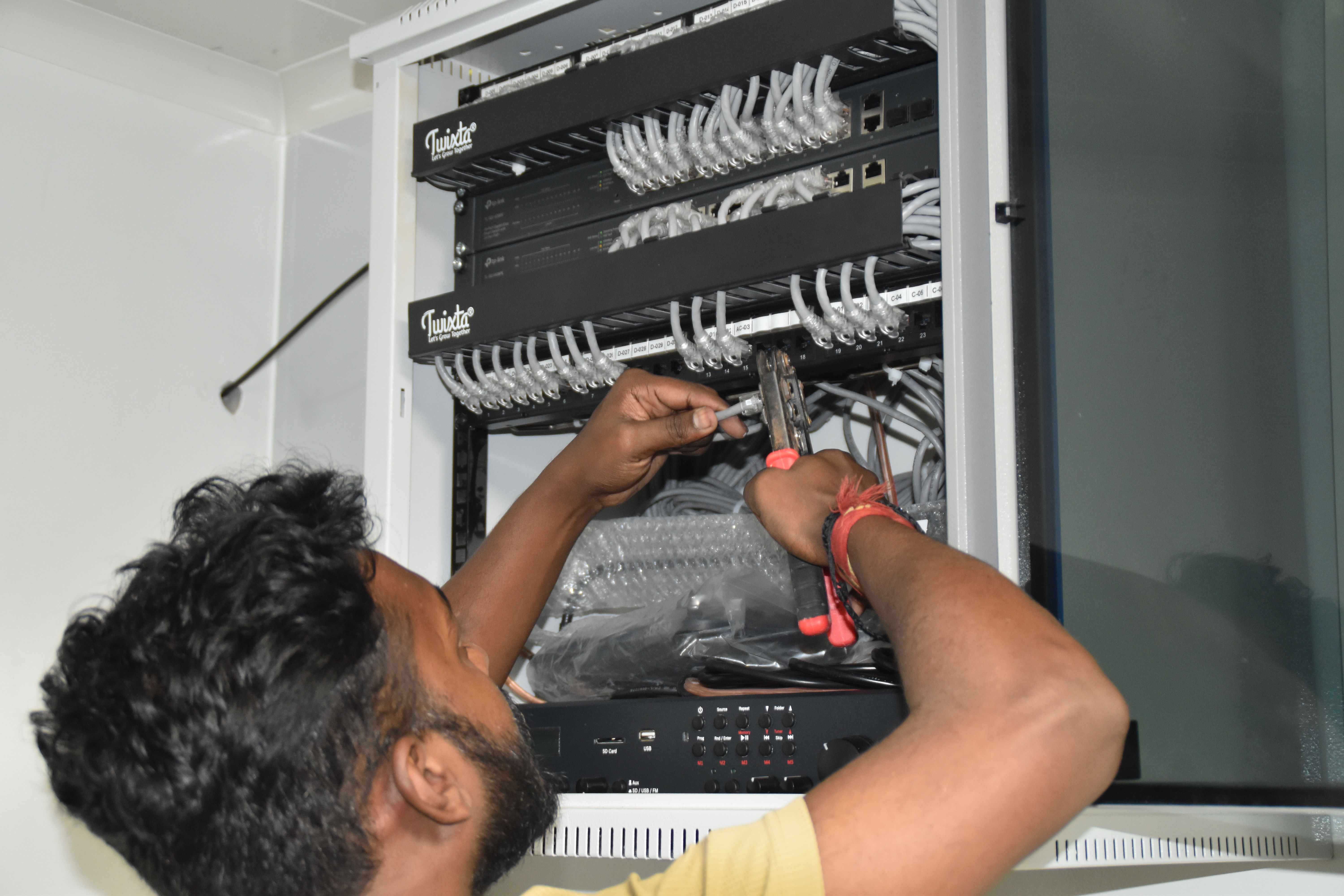
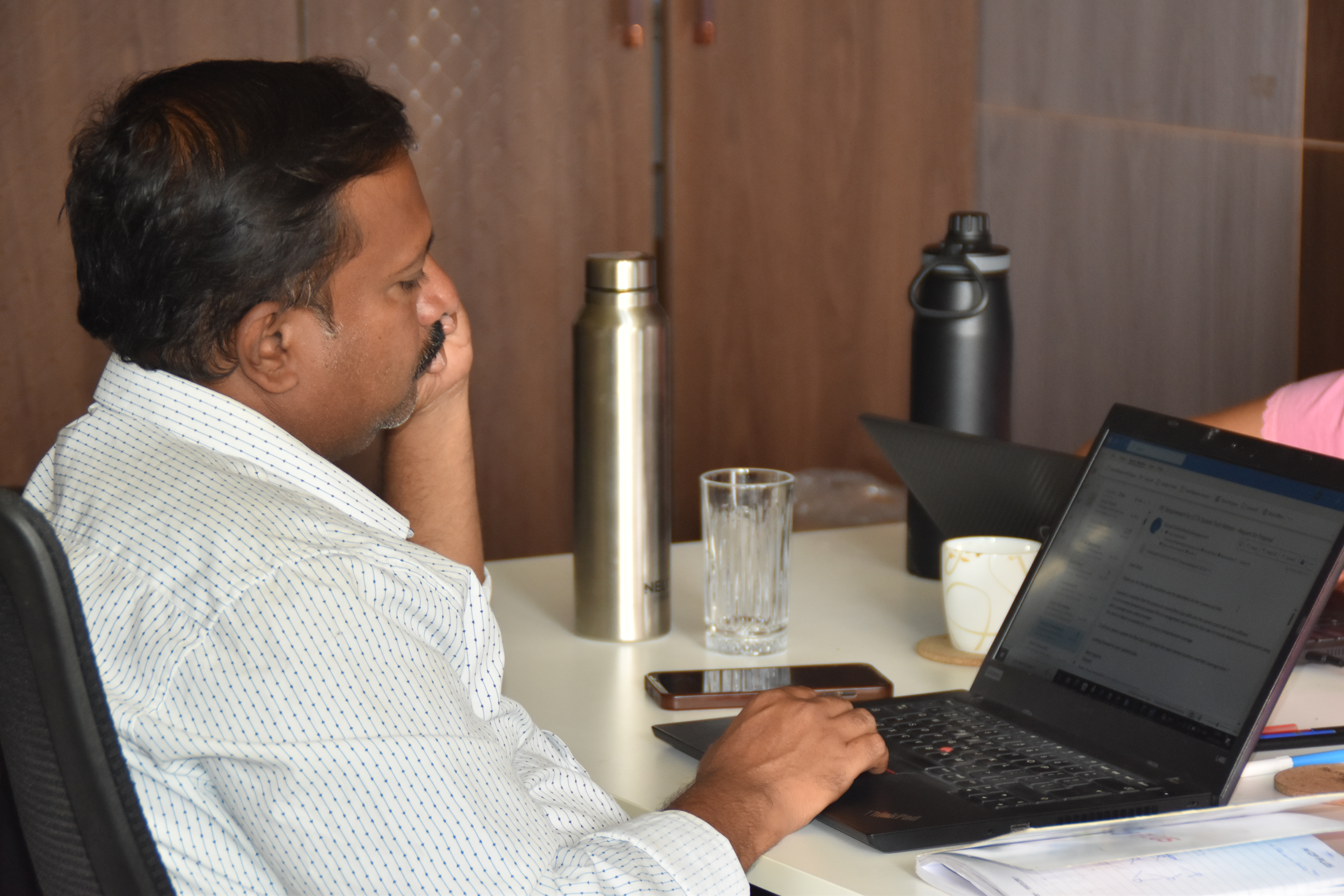
Resident IT engineer support — Yaas Technology Solutions, Karnataka
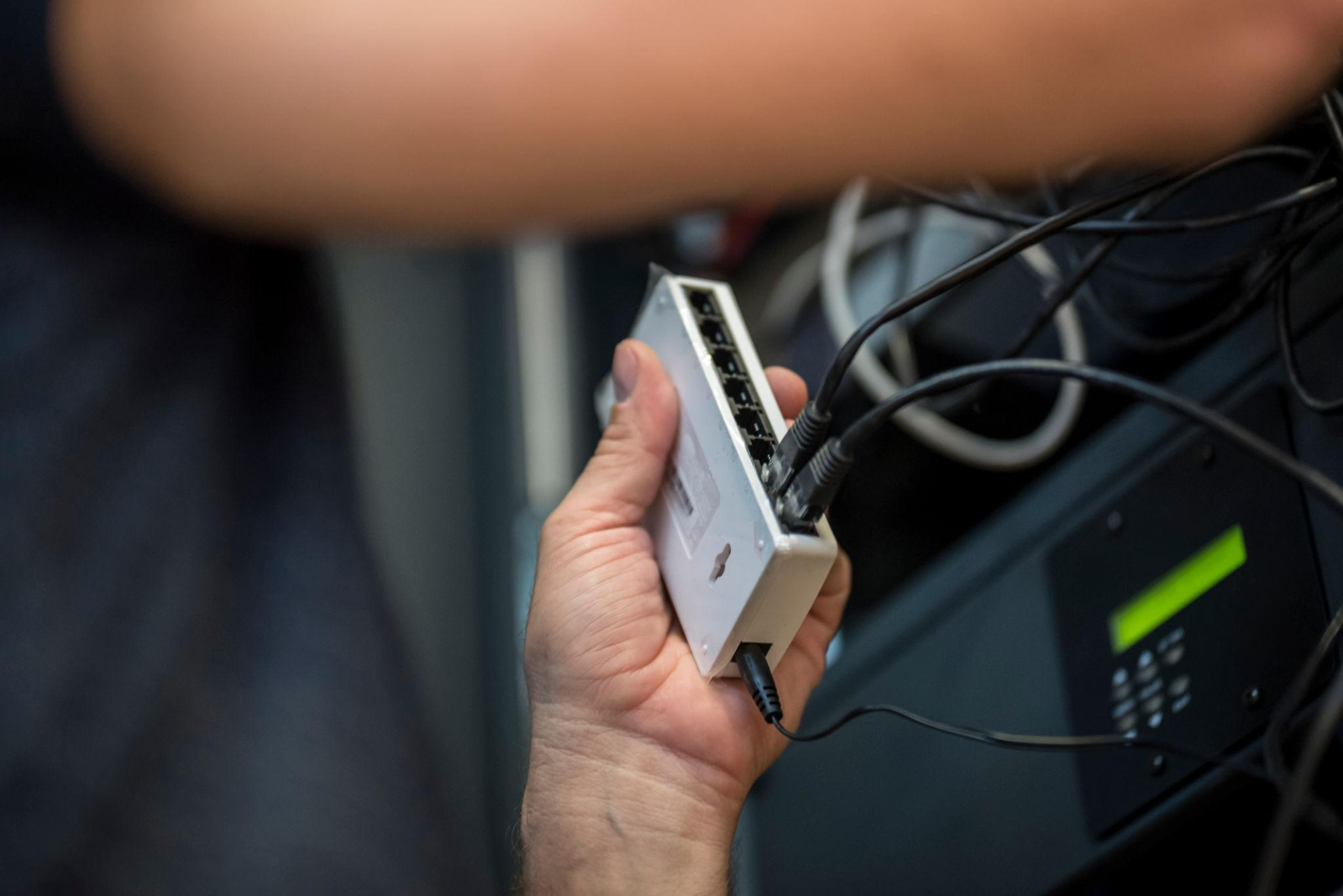
Enterprise WiFi deployment — Somerset Therapeutics, Karnataka
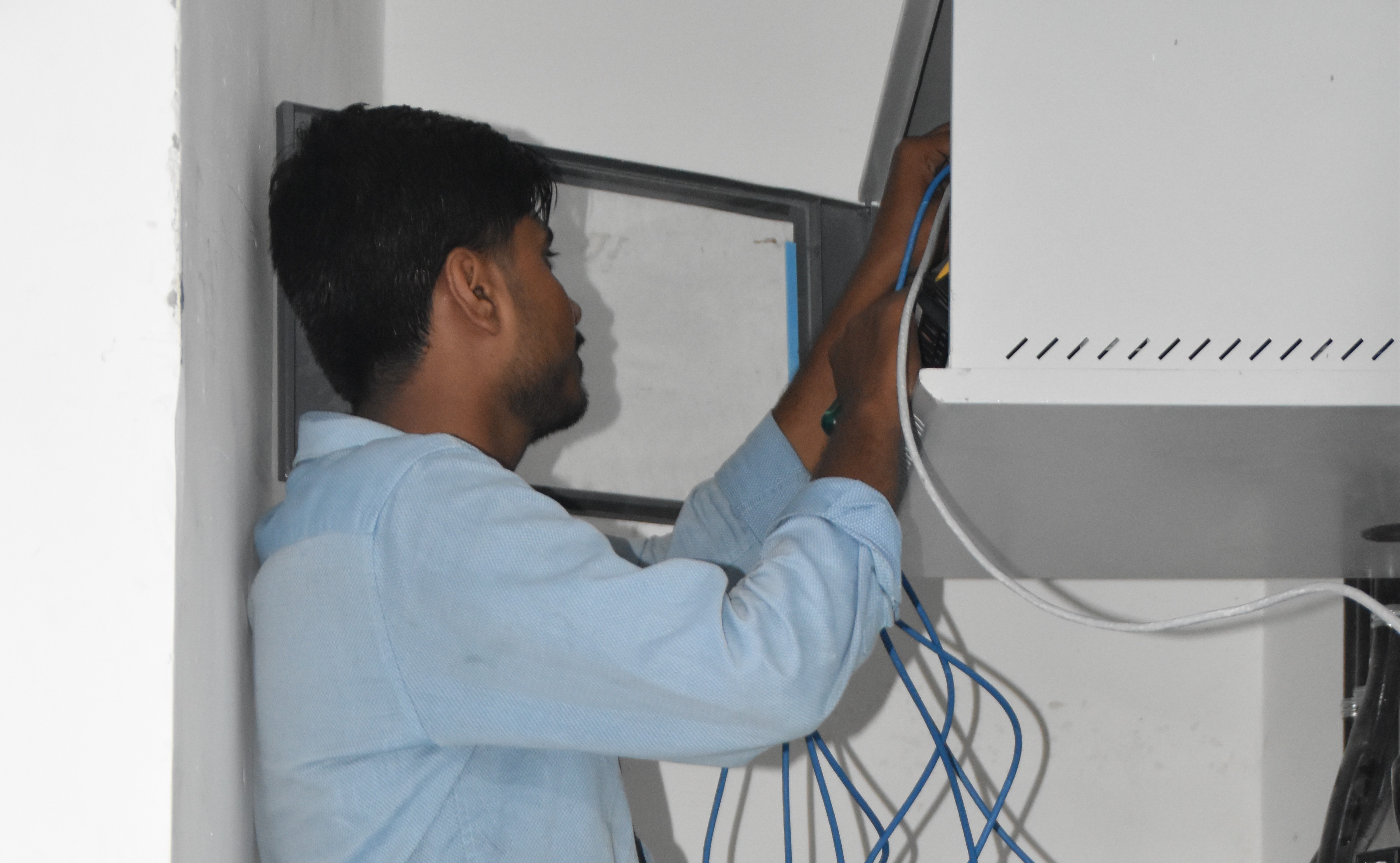
Structured cabling & CCTV infrastructure — Eriez, Tamil Nadu
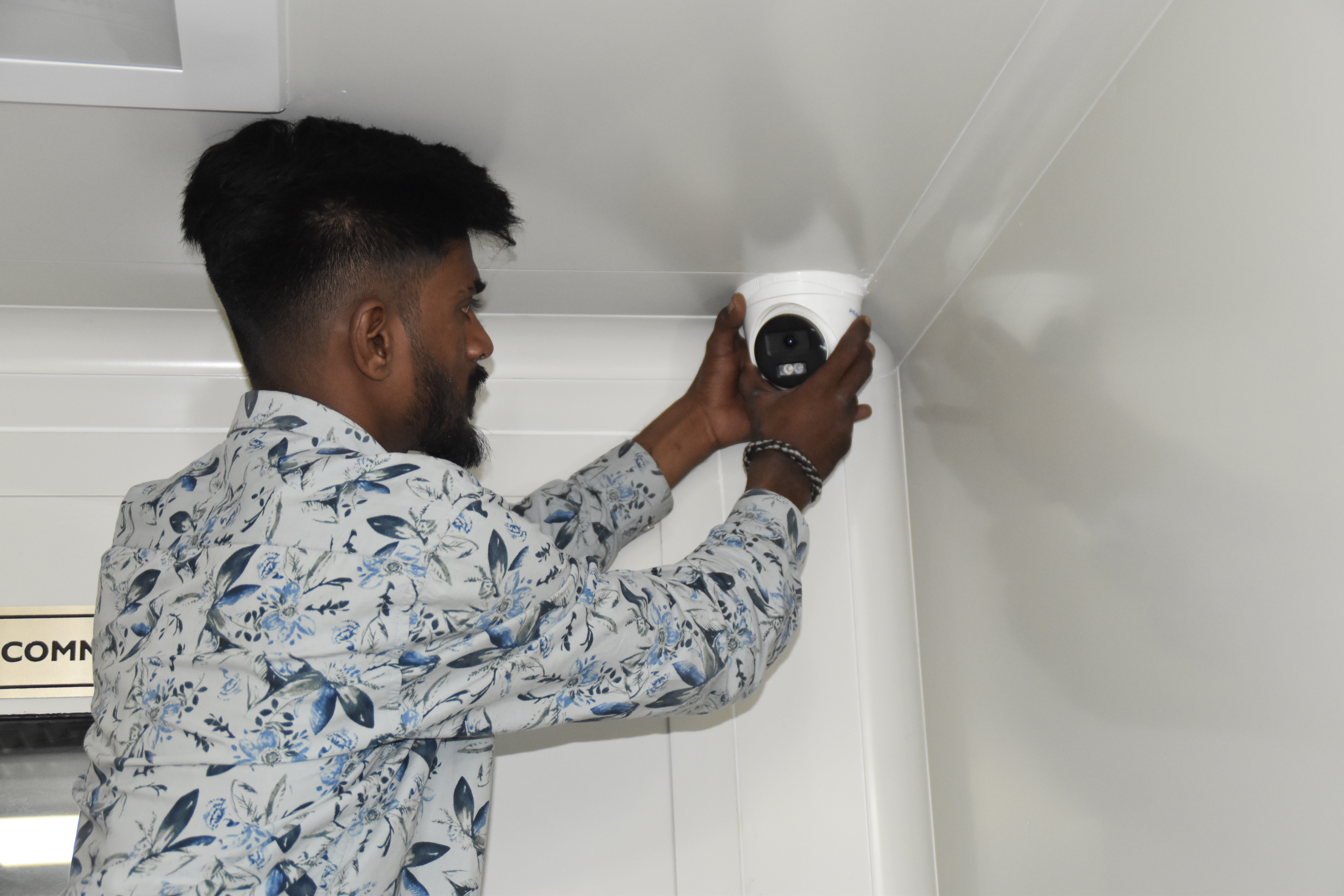
Break‑fix troubleshooting & stabilization — AEOS Labs, Karnataka
Healthcare network deployment — HCG Cancer Hospital Tower 6, Karnataka
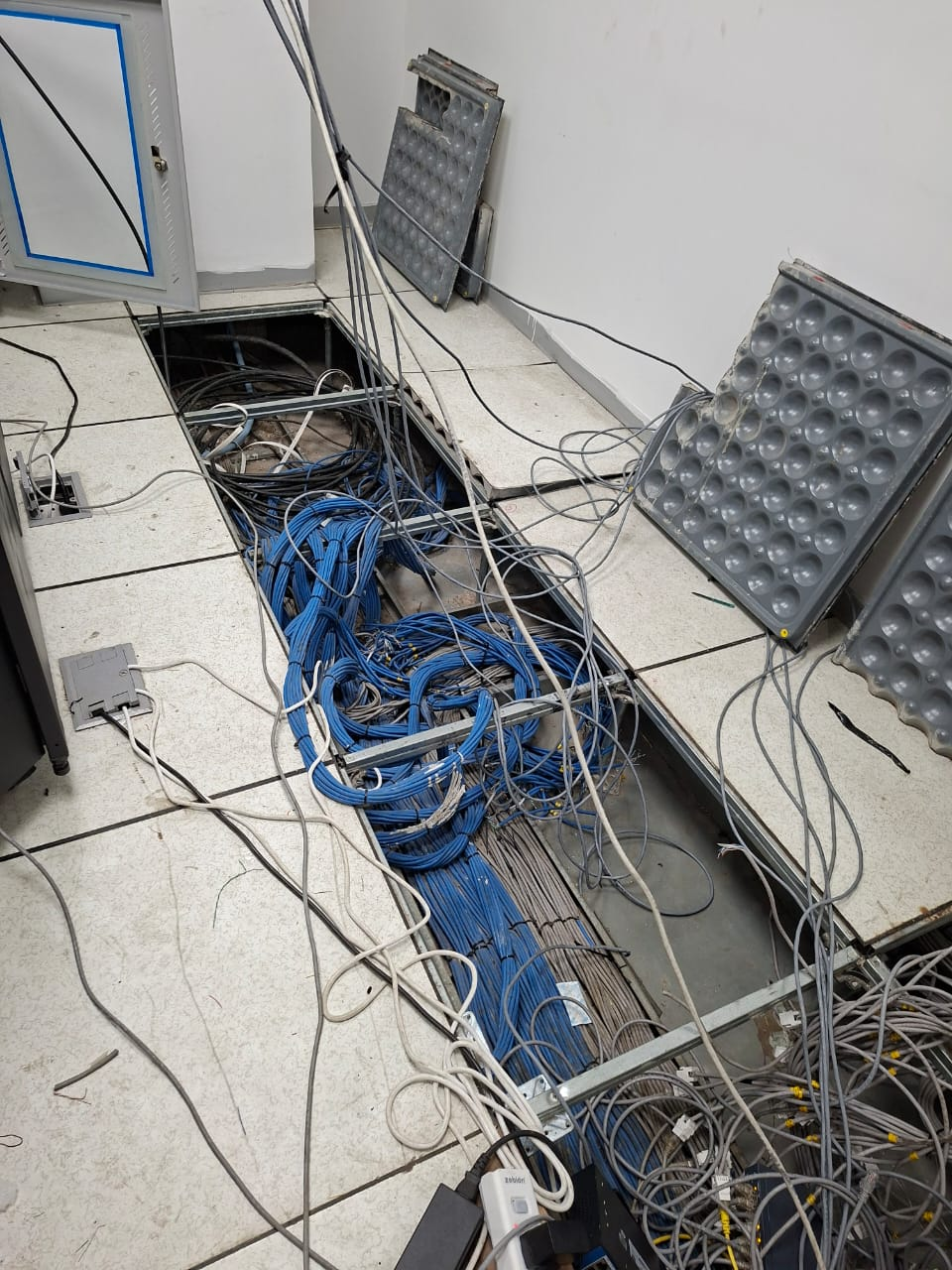
Enterprise infrastructure rollout — KRR Engineering Solutions, Tamil Nadu
25+ Enterprise Deployments Across South India
Virtualisation, P2V migration, HA clusters – all delivered 100% in‑house.
Trusted Across Industries in India
Corporate Offices
Hospitals & Healthcare
Pharmaceuticals
Manufacturing
Technology Companies
Banking & Finance
Education
Hotels & Hospitality
“Layerix virtualised our 25 physical servers onto 4 hosts with VMware HA and vMotion. P2V migration was seamless – zero downtime. Our infrastructure footprint reduced by 70%.”
IT Director
Technology Company, Bengaluru
“We needed Proxmox virtualisation for our manufacturing MES environment. Layerix deployed HA cluster with Ceph storage and live migration. Cost‑effective and reliable.”
Infrastructure Head
Manufacturing Plant, Coimbatore
Frequently Asked Questions
Everything you need to know about virtual machines and virtualisation.
What is a hypervisor and how does it work?+
A hypervisor is software that creates and runs virtual machines (VMs). It abstracts physical hardware – CPU, memory, storage, and networking – and allocates resources to multiple VMs running on the same physical server. Types: Type 1 (bare‑metal) runs directly on hardware – VMware ESXi, Microsoft Hyper‑V, Proxmox VE; Type 2 runs on an operating system – Oracle VirtualBox, VMware Workstation.
How many VMs can one physical server support?+
VM density depends on CPU cores, RAM, storage IOPS, and workload characteristics. Typical consolidation ratios: 5‑15 VMs per physical host for general workloads, 20‑50 for lightweight web/app servers, and 2‑5 for heavy database VMs. Layerix performs capacity planning to determine optimal VM density for your environment.
What is VMware vSphere vs Hyper‑V vs Proxmox – which one to choose?+
VMware vSphere is the enterprise standard with broad ecosystem support, advanced features (vMotion, DRS, HA), and mature management. Hyper‑V is cost‑effective (included with Windows Server), with strong integration for Microsoft workloads. Proxmox VE is open‑source, cost‑, with KVM and LXC container support – ideal for Linux‑shops and cost‑sensitive environments. Layerix recommends based on your environment, budget, and team skills.
What is P2V migration and how does it work?+
P2V (Physical‑to‑Virtual) migration converts a physical server into a virtual machine. The process involves: 1) assessing the physical server, 2) using tools like VMware vCenter Converter, Microsoft MAP, or StarWind V2V Converter, 3) performing a live or offline migration with minimal downtime. Layerix handles P2V with zero‑ or minimal‑downtime migrations.
What is vMotion and how does it enable zero‑downtime maintenance?+
vMotion is VMware's live migration feature – it moves a running VM from one physical host to another with zero downtime, zero user impact, and zero service interruption. This enables maintenance, load balancing, and hardware upgrades without disrupting applications. Hyper‑V calls it Live Migration, Proxmox calls it Live Migration with shared storage.
Can virtual machines use GPU for AI/ML workloads?+
Yes. VMware supports vGPU (virtual GPU) with NVIDIA GRID or AMD MxGPU – allowing VMs to access physical GPUs for AI/ML, CAD, and graphics workloads. Hyper‑V supports GPU passthrough (Discrete Device Assignment) and GPU partitioning. Proxmox supports GPU passthrough and PCIe passthrough. Layerix configures GPU virtualisation for AI/ML and rendering workloads.
Our Success Stories
Real virtualisation deployments across India



Ready to Virtualise Your Servers?
Book a virtualisation assessment. Our engineers evaluate your current infrastructure, recommend the right hypervisor, and give you a fixed‑price proposal.
Response within 2 business hours · Pan‑India deployments · 100% in‑house team