

NAS & SAN Storage
RAID · Snapshot · Replication
Enterprise NAS and SAN storage – Synology, NetApp, Dell EMC. RAID configuration, snapshots, replication, and VM datastore integration. Pan‑India deployment.
HDD · SSD · NVMe tiers
(Performance vs Safety)
Replication (offsite)
File shares · AI/ML datasets
Trusted by 30+ enterprises across India




Complete Enterprise Storage Infrastructure
From NAS and SAN selection to RAID, snapshots, and VM integration – all delivered in‑house, pan‑India.

NAS & SAN Hardware Selection
Synology, NetApp, Dell EMC – we recommend and supply the right storage array for your workload: file shares, VM datastores, PACS, or surveillance.

RAID Configuration & Tuning
RAID 5 (balanced), RAID 6 (dual parity safety), or RAID 10 (performance). We configure and tune based on workload, IOPS, and data protection requirements.

Snapshots & Replication
Automated snapshot schedules (hourly/daily) and offsite replication for disaster recovery. RPO/RTO configured to your business requirements.

VM Datastore Integration
Connect SAN/NAS to VMware vSphere, Hyper‑V, or Proxmox for high‑performance VM storage. iSCSI, NFS, and Fibre Channel protocols supported.

Storage Dashboard & Monitoring
Centralised storage management dashboard with capacity alerts, performance graphs, and health monitoring for proactive maintenance.

AMC & Storage Health Checks
Annual maintenance contracts with proactive health checks, firmware updates, drive failure monitoring, and 12×6 break‑fix support.
Why Enterprises Trust Our
Storage Engineers
Storage is the foundation of your infrastructure – get it wrong and everything suffers. We design storage for performance, reliability, and scalability, with the right RAID level, protection, and integration for your workloads.
Capacity Planning by Design
We size storage based on current usage, 3‑5 year growth, and workload characteristics before any hardware is purchased.
Vendor‑Neutral
Synology, NetApp, Dell EMC – we recommend the right storage vendor, not a forced brand.
Performance Profiling
We test IOPS, throughput, and latency requirements for your workloads – ensuring storage is matched to application needs.
Full Documentation
Storage maps, RAID configurations, volume layouts, and snapshot schedules – all delivered at handover.
AMC with Drive Replacement
Annual maintenance contracts with proactive health checks, firmware updates, and 12×6 break‑fix support including drive replacement.
Pan‑India Deployments
Single‑vendor storage rollouts across India – consistent quality and accountability everywhere.
From Assessment to Handover in 6 Steps
Storage Assessment
Evaluate current capacity, performance, workload types, and growth projections.
Architecture Design
Select NAS/SAN type, RAID level, capacity tiers (HDD/SSD/NVMe), and network protocol.
Hardware Procurement
Specify and supply storage array – Synology, NetApp, or Dell EMC.
Installation & Configuration
Rack, cable, power, and configure RAID, volumes, iSCSI/NFS targets, and user access.
Data Protection Setup
Configure snapshot schedules, replication policies, and integration with backup systems.
Testing & Handover
Validate IOPS/throughput, test failover and recovery, deliver full documentation.
NAS vs SAN – Which Storage Do You Need?
| Feature | NAS | SAN |
|---|---|---|
| Access Type | File‑level (NFS, SMB/CIFS) | Block‑level (iSCSI, Fibre Channel) |
| Protocol | Ethernet (TCP/IP) | Ethernet (iSCSI) or Fibre Channel |
| Performance | Good for file workloads | Higher IOPS, lower latency |
| Best For | File shares, backups, CCTV, general office | VM datastores, databases, high‑performance apps |
| Relative Cost | ₹ (cost‑effective) | ₹₹₹ (higher cost, higher performance) |
*Many enterprises use both – NAS for file shares and backups, SAN for VM datastores and databases.
Real Storage Deployments
Live NAS and SAN deployments across Karnataka and Tamil Nadu – corporate, healthcare, pharma, and manufacturing.
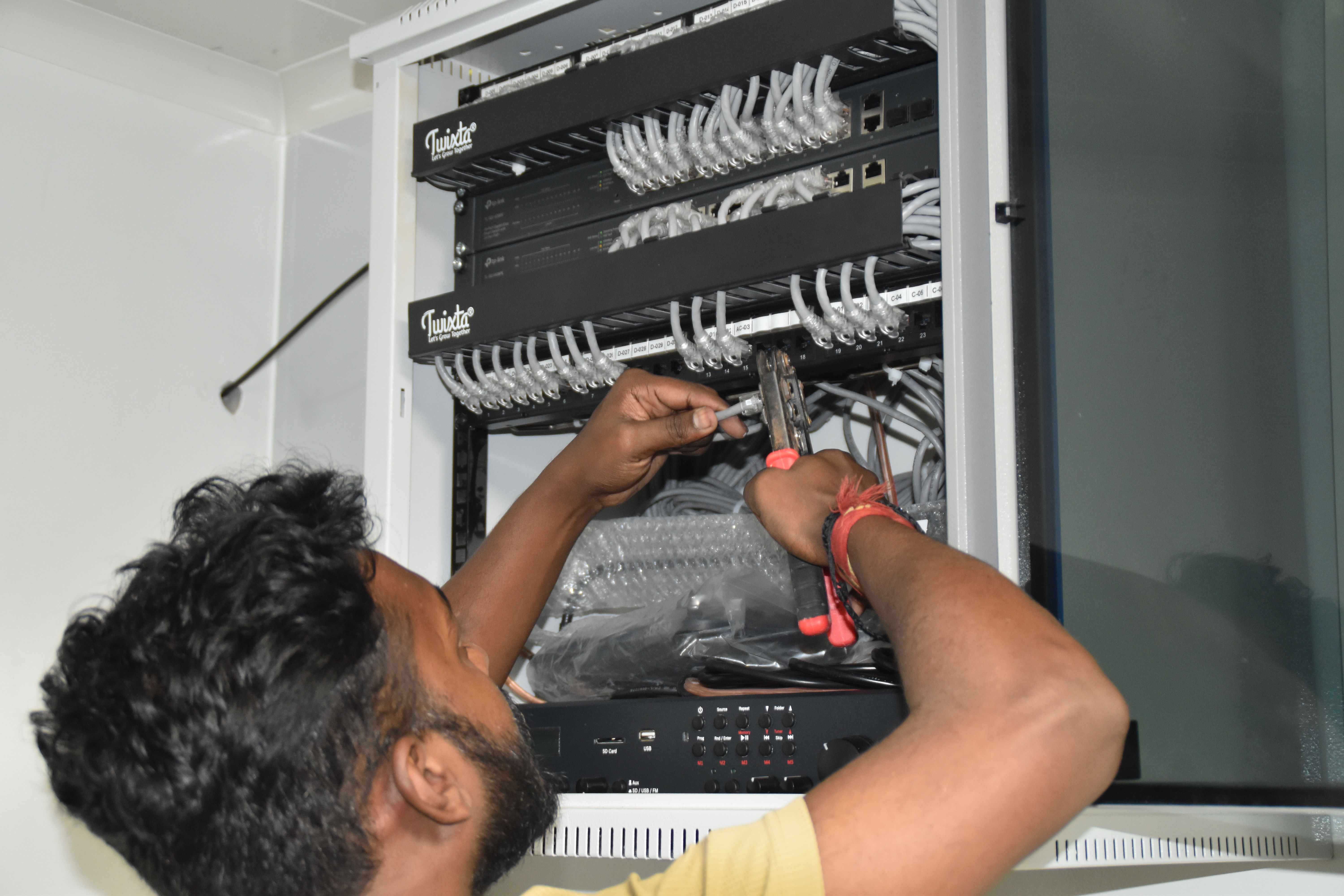
Resident IT engineer support — Yaas Technology Solutions, Karnataka

Enterprise WiFi deployment — Somerset Therapeutics, Karnataka
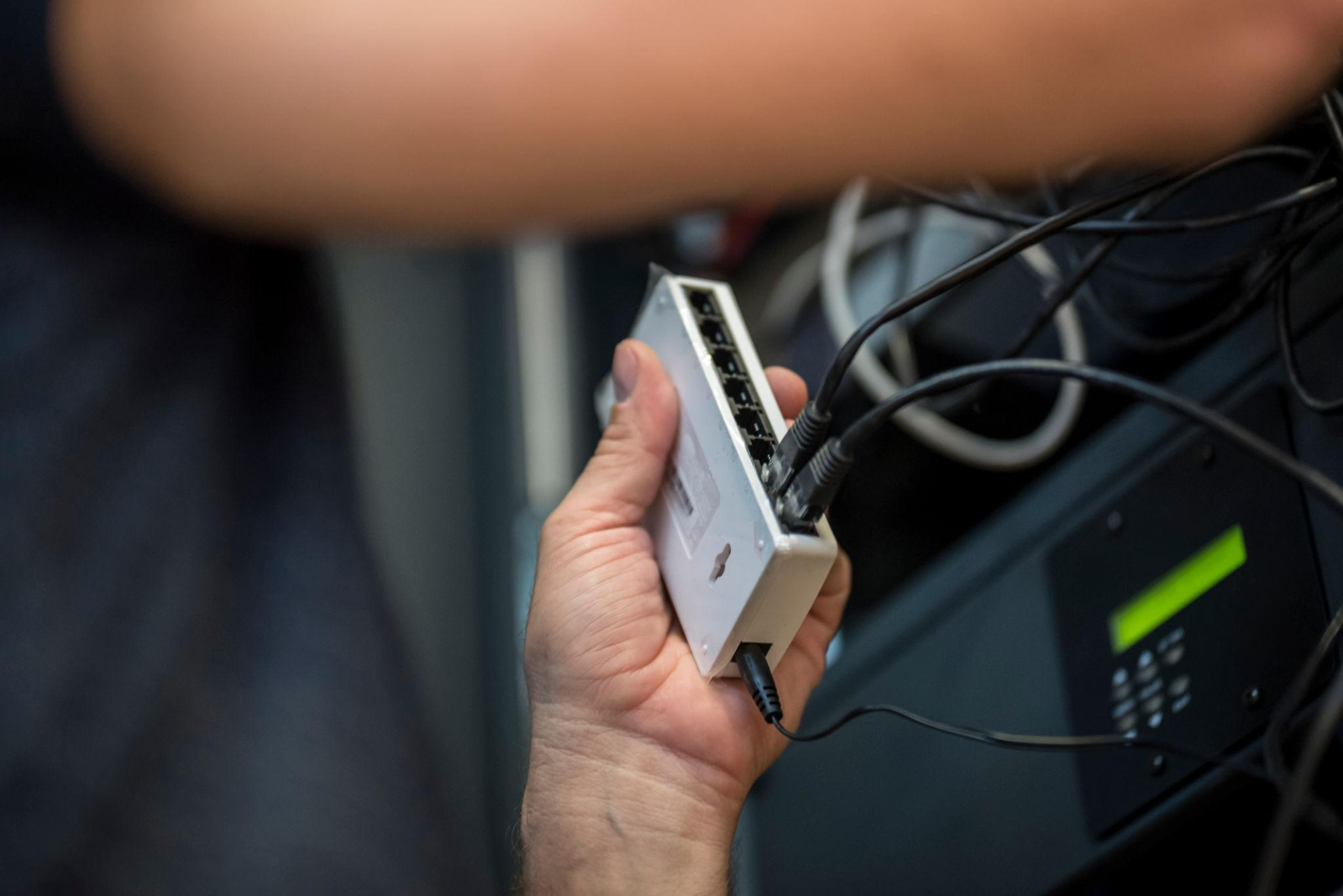
Structured cabling & CCTV infrastructure — Eriez, Tamil Nadu
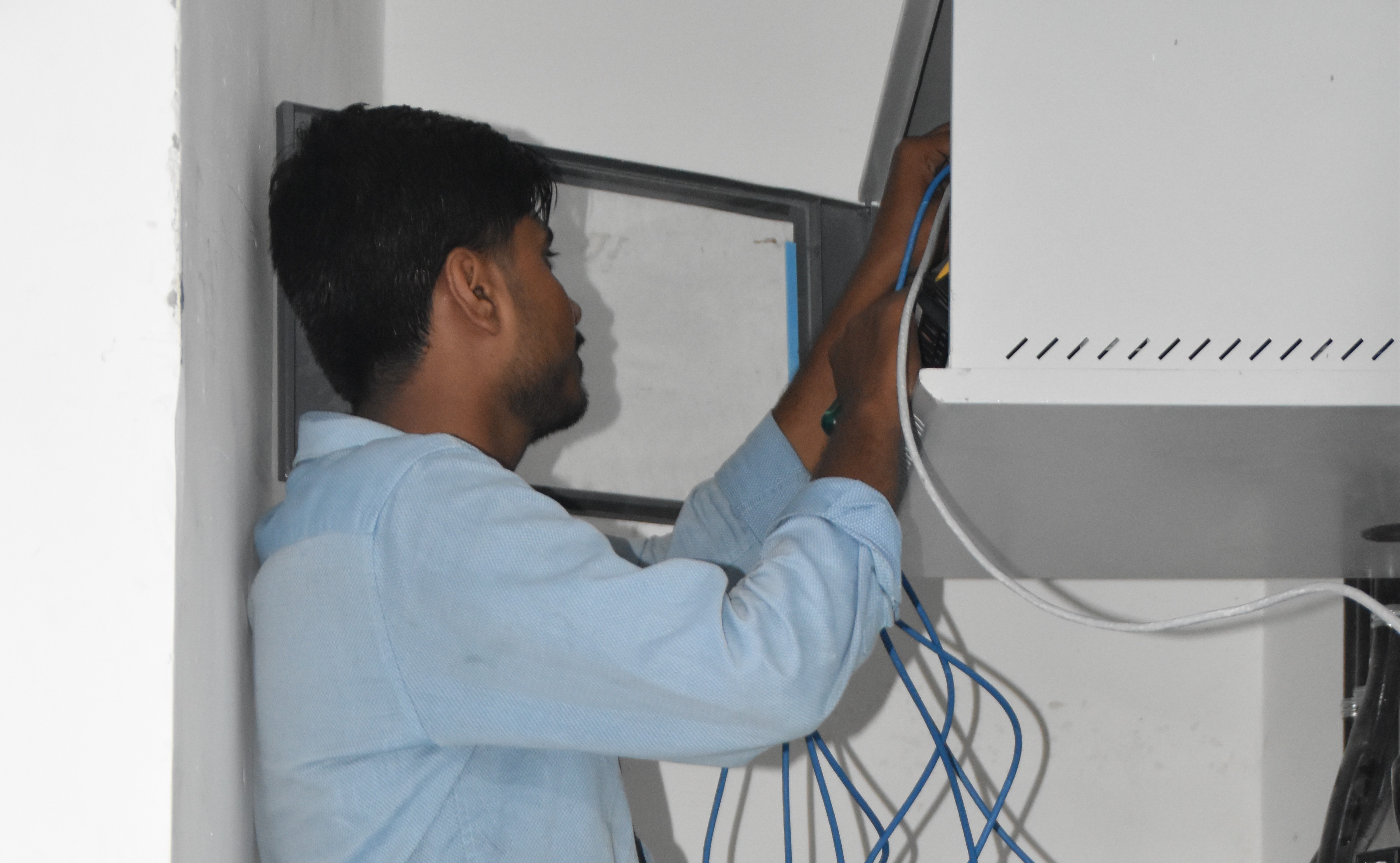
Break‑fix troubleshooting & stabilization — AEOS Labs, Karnataka

Healthcare network deployment — HCG Cancer Hospital Tower 6, Karnataka
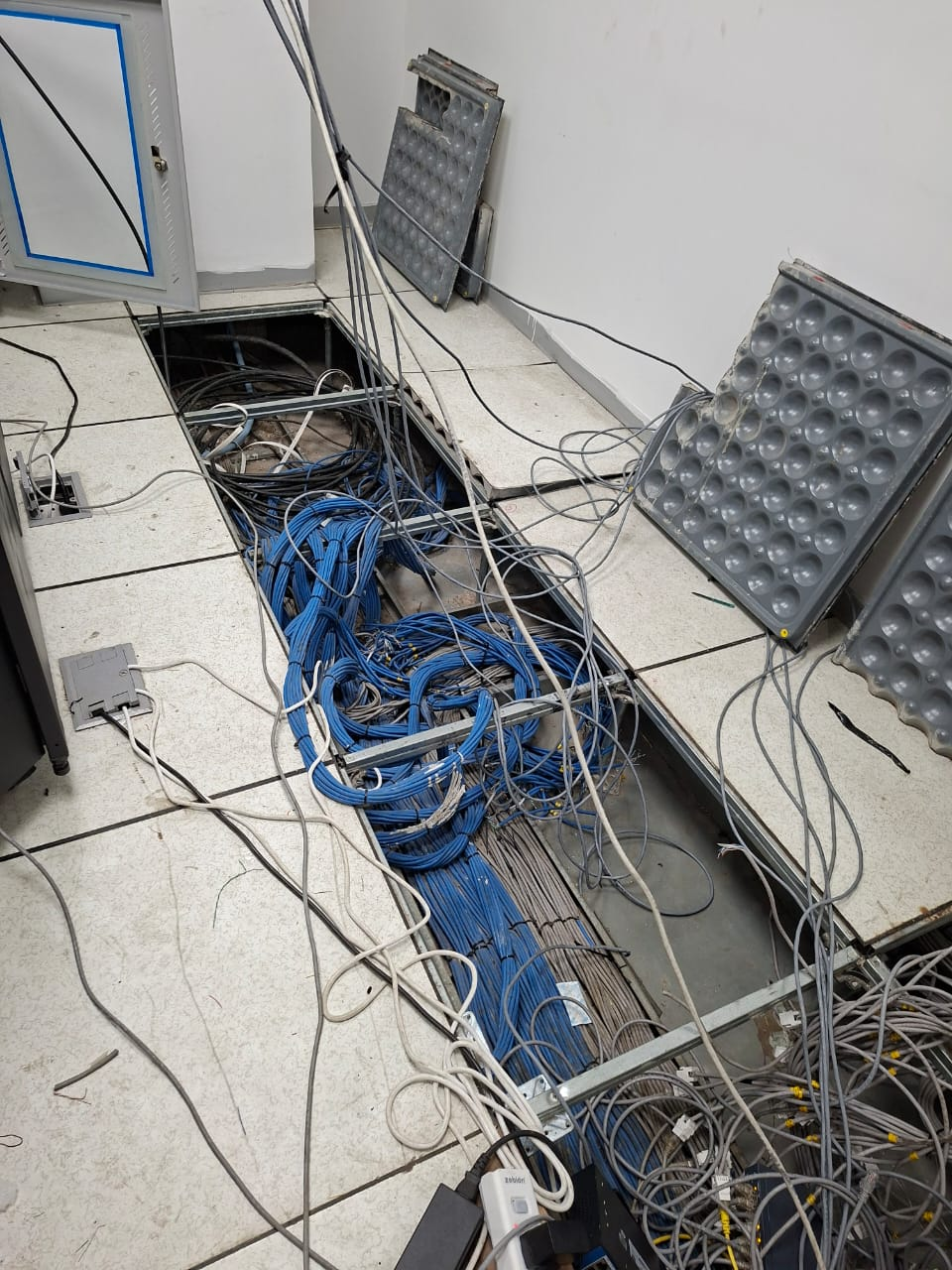
Enterprise infrastructure rollout — KRR Engineering Solutions, Tamil Nadu
25+ Enterprise Deployments Across South India
NAS, SAN, RAID, snapshots – all delivered 100% in‑house.
Trusted Across Industries in India
Corporate Offices
Hospitals & Healthcare
Pharmaceuticals
Manufacturing
Technology Companies
Banking & Finance
Education
Hotels & Hospitality
“Layerix deployed Synology NAS with RAID 6 for our hospital PACS and CCTV storage. 96TB capacity with snapshots and offsite replication. Documentation was excellent.”
IT Director
Healthcare Group, Bengaluru
“We needed Dell EMC SAN for our VMware cluster – 16TB all‑flash. Layerix configured iSCSI MPIO, integrated with vCenter, and delivered 30k+ IOPS. Smooth handover.”
Infrastructure Head
Manufacturing Plant, Chennai
Frequently Asked Questions
Everything you need to know about NAS and SAN storage.
What is the difference between NAS and SAN storage?+
NAS (Network‑Attached Storage) provides file‑level access over Ethernet – ideal for shared files, backups, and general office use. SAN (Storage Area Network) provides block‑level access over Fibre Channel or iSCSI – ideal for VM datastores and databases requiring high performance and low latency.
What is the difference between RAID 5, RAID 6, and RAID 10?+
RAID 5 uses striping with single parity – good balance of performance and capacity, can tolerate one drive failure. RAID 6 uses dual parity – tolerates two drive failures, safer but slower. RAID 10 uses mirroring and striping – best performance, highest cost, tolerates multiple failures (as long as not both drives in a mirrored pair). We recommend based on your workload and risk tolerance.
Is a snapshot the same as a backup?+
No. A snapshot is a point‑in‑time image of data stored on the same array – useful for quick recovery and testing. A backup is a separate copy stored on a different device or offsite – essential for disaster recovery. We configure both, with snapshots for fast recovery and backups for long‑term retention.
How much storage capacity do I need for my enterprise?+
Capacity depends on workloads: VM datastores, databases, file shares, surveillance footage, and backups. We use a structured approach: assess current usage, project 3‑5 year growth, account for RAID overhead, and apply the 80% utilisation rule. Layerix provides capacity planning as part of the assessment.
What is iSCSI vs Fibre Channel – when to use which?+
iSCSI runs over standard Ethernet – cost‑effective, uses existing network infrastructure, and is adequate for most workloads. Fibre Channel requires dedicated hardware and cabling – higher performance, lower latency, and better reliability, typically used for mission‑critical databases and high‑end SAN deployments.
Can NAS/SAN be used for AI/ML training data?+
Yes. Modern NAS/SAN systems support high‑throughput storage with SSD/NVMe tiers and parallel file systems – ideal for AI/ML training datasets, vector databases, and RAG storage. Layerix sizes and configures storage for AI/ML workloads.
Our Success Stories
Real storage deployments across India





Ready to Build Your Storage Infrastructure?
Book a storage assessment. Our engineers evaluate your current setup, recommend the right NAS/SAN, and give you a fixed‑price proposal.
Response within 2 business hours · Pan‑India deployments · 100% in‑house team