

Central Unified Monitoring
Multi‑Site VMS/PSIM Command Centres
Unified security command centres – multi‑site VMS/PSIM, video walls, cross‑site alert correlation, and 24/7 managed monitoring. Pan‑India deployment.
Hikvision · Dahua · Custom
ERP · HRMS · BI Dashboards
Incident Escalation · SLA‑Backed
Audit‑Ready Reports
Trusted by 30+ enterprises across India






Complete Unified Monitoring Infrastructure
From platform selection to command centre design and 24/7 managed monitoring – all delivered in‑house, pan‑India.

VMS / PSIM Platform Selection
Milestone XProtect, Genetec Security Center, Avigilon, Hikvision – we recommend and implement the best platform for your multi‑site needs.

Video Wall & Command Centre Design
Video wall layout, operator workstation design, and integration with VMS/PSIM for real‑time situational awareness.

Cross‑Site Integration
Unified view of multiple sites – access control, fire alarms, ANPR, and intrusion detection integrated into a single console.

24/7 Managed Monitoring Desk
Proactive alert monitoring, incident triage, escalation management, and first‑line response – available 24×7.

Compliance Reporting & Audit
Audit‑ready logs, incident reports, video exports with timestamps – for ISO, BFSI, GDPR, and internal compliance.
AMC & System Health Monitoring
Proactive system health checks, VMS upgrades, camera status monitoring, and 12×6 break‑fix support.
Why Enterprises Choose Our
Unified Monitoring Engineers
A command centre is not just video on a wall – it's about correlation, escalation, and action. We design systems that turn multiple streams of data into a single source of truth for your security operations.
Design Before Build
Console layout, video wall configuration, and integration architecture are designed on paper before any hardware is installed.
Vendor‑Agnostic Integration
We integrate Milestone, Genetec, Avigilon, Hikvision, Dahua – and tie in access control, fire, and ANPR from any vendor.
SD‑WAN Ready
Multi‑site network design with SD‑WAN, VPN, and bandwidth optimisation for low‑latency video streaming.
Compliance by Default
Built‑in audit trails, retention policies, and exportable reports for ISO, BFSI, and GDPR compliance.
24/7 Managed Services
Proactive monitoring desk, incident triage, and escalation management – available around the clock.
AMC with System Health
Annual maintenance with system health checks, firmware upgrades, and 12×6 break‑fix support.
From Requirements to Command Centre in 6 Steps
Requirements & Site Audit
Map all sites, camera counts, existing systems, network bandwidth, and compliance needs.
Platform Selection
Recommend VMS/PSIM platform based on your environment, budget, and future roadmap.
Command Centre Design
Video wall layout, operator workstations, network design, and integration architecture.
Installation & Integration
Deploy VMS/PSIM, integrate cameras, access control, ANPR, and other systems.
Configuration & Training
Set up user roles, alert rules, dashboards, and reports. Train operators and administrators.
Testing & Handover
Test all integrations, alert scenarios, and failover. Deliver as‑built documentation and SOPs.
VMS vs PSIM – Which One Do You Need?
| Feature | VMS | PSIM |
|---|---|---|
| Primary Focus | Video recording, viewing, and management | Unified security operations – video, access, fire, ANPR |
| Integration | Limited to cameras and storage | Multiple systems integrated (access, fire, ANPR, intercom) |
| Event Correlation | Manual correlation | Automated cross‑system correlation and escalation |
| Best For | Video‑only surveillance, small to medium sites | Enterprise multi‑site, complex security environments |
| Relative Cost | ₹ | ₹₹₹ |
*Layerix recommends PSIM for enterprises with multiple sites and integrated security systems.
Real Unified Monitoring Deployments
Live command centre and unified monitoring deployments across Karnataka and Tamil Nadu – retail chains, healthcare, and corporate campuses.
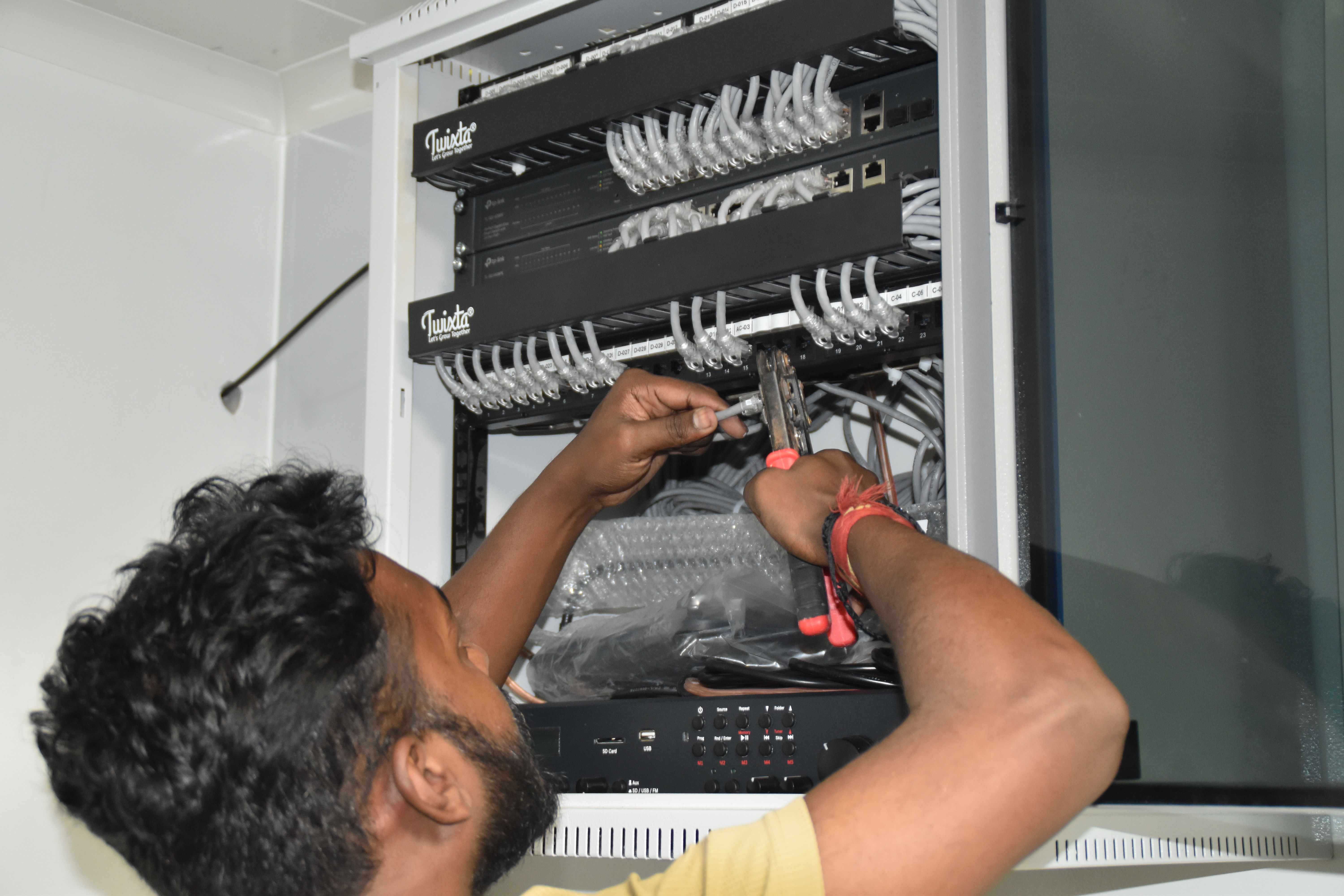
Resident IT engineer support — Yaas Technology Solutions, Karnataka
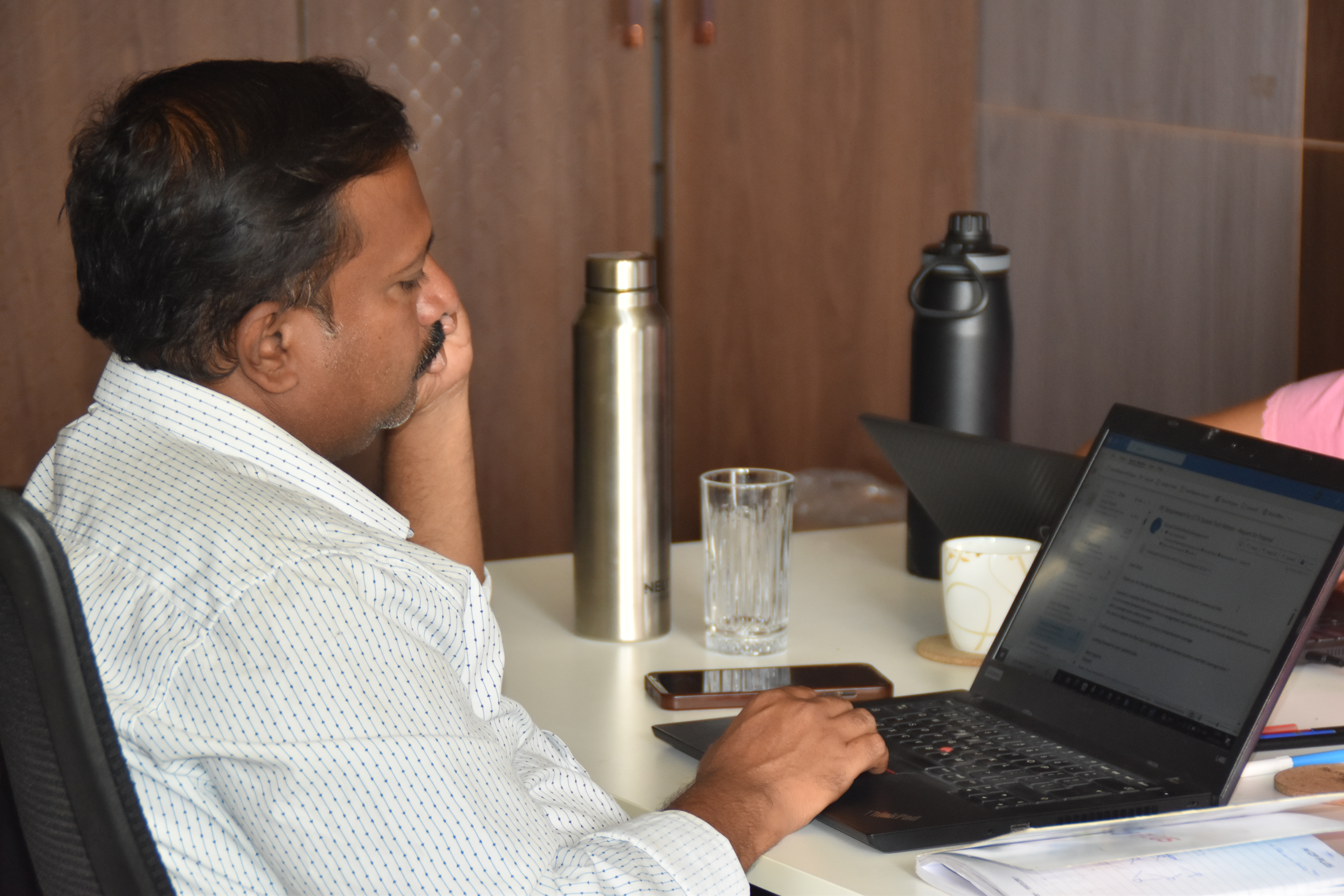
Enterprise WiFi deployment — Somerset Therapeutics, Karnataka
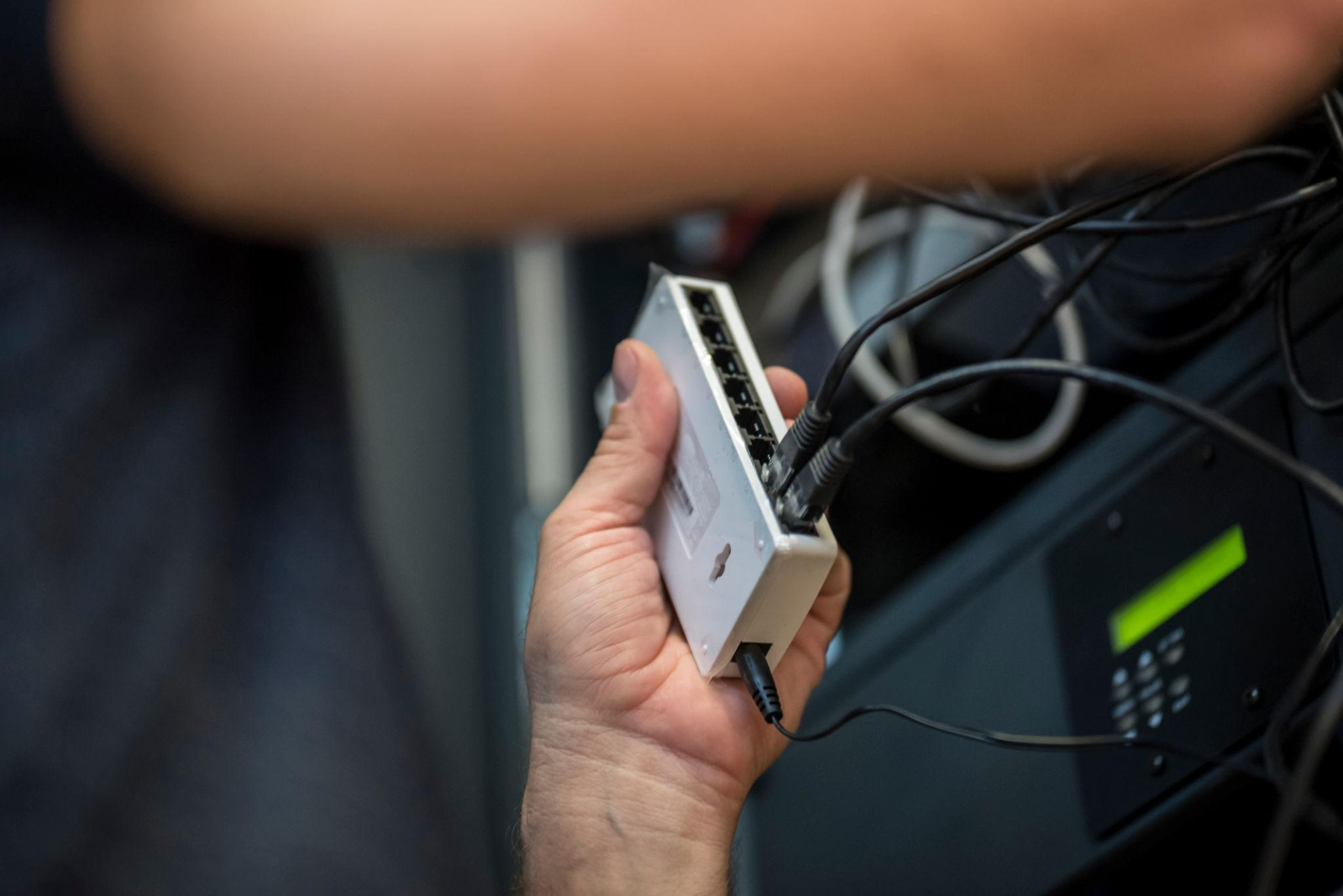
Structured cabling & CCTV infrastructure — Eriez, Tamil Nadu
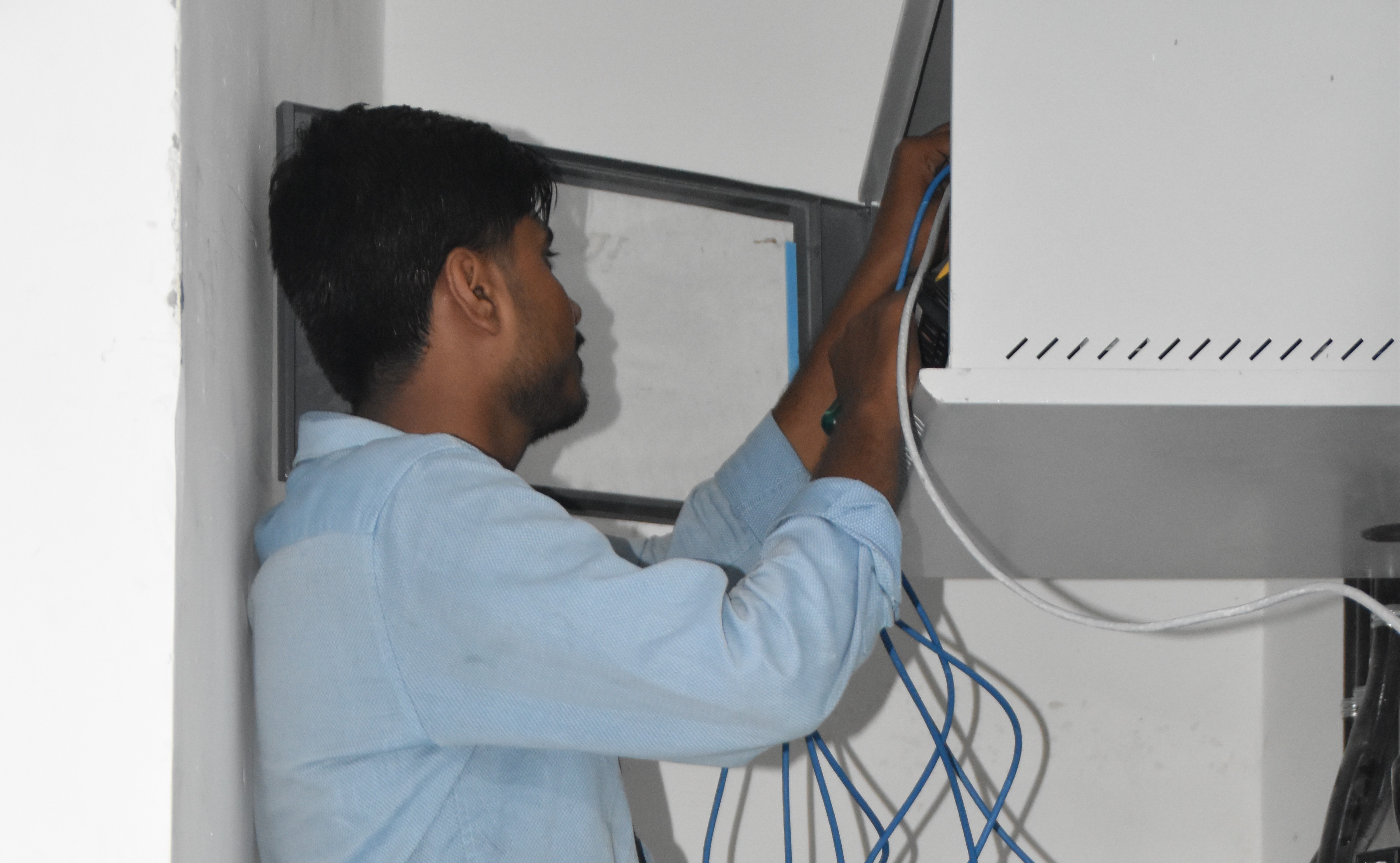
Break‑fix troubleshooting & stabilization — AEOS Labs, Karnataka
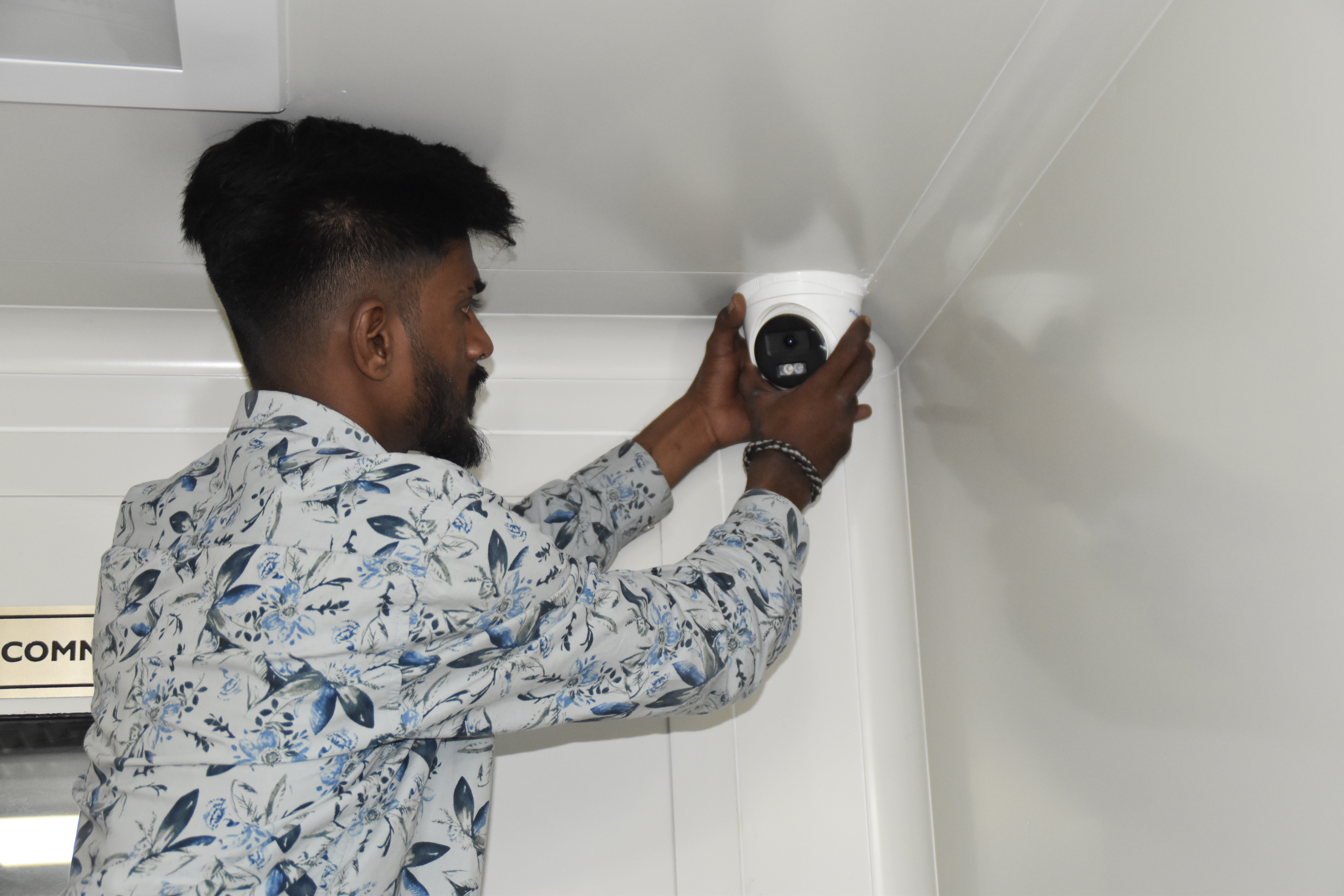
Healthcare network deployment — HCG Cancer Hospital Tower 6, Karnataka
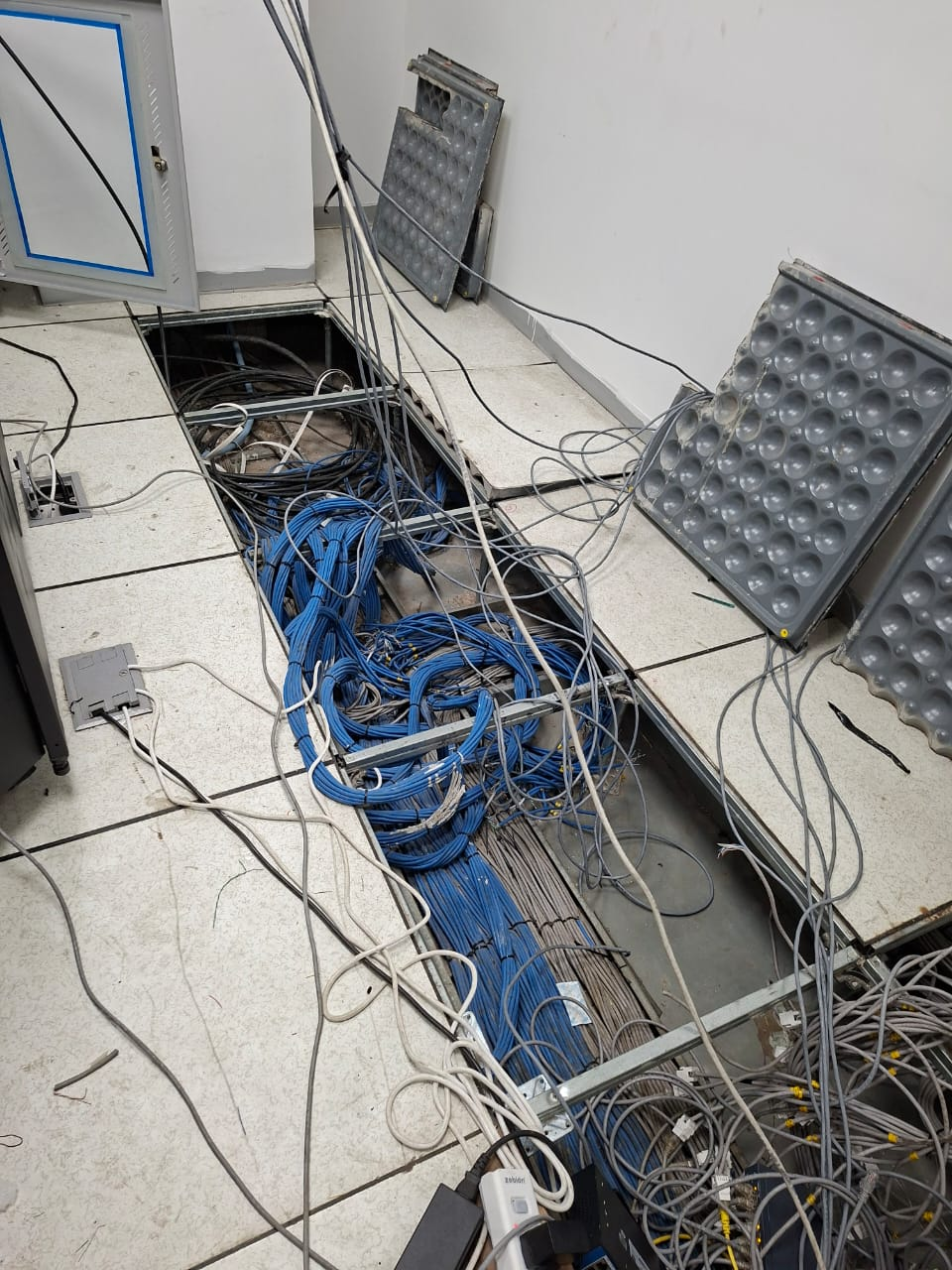
Enterprise infrastructure rollout — KRR Engineering Solutions, Tamil Nadu
25+ Enterprise Deployments Across South India
Command centres, VMS/PSIM, 24/7 monitoring – all delivered 100% in‑house.
Trusted Across Industries in India
Corporate Offices
Hospitals & Healthcare
Pharmaceuticals
Manufacturing
Technology Parks
Banking & Finance
Retail Chains
Hotels & Hospitality
“Layerix built our central command centre with Genetec PSIM integrating 12 sites across India. Video wall, cross‑site correlation, and 24/7 desk – all delivered on time. Our security operations are now unified.”
CISO
Retail Chain, Pan‑India
“We needed compliance reporting for BFSI. Layerix delivered Milestone VMS with custom audit reports and a monitoring desk. Now we have a single pane of glass across 8 branches.”
IT Head
Banking Group, Mumbai
Frequently Asked Questions
Everything you need to know about central unified monitoring.
What is the difference between VMS and PSIM?+
VMS (Video Management System) focuses primarily on video surveillance – recording, viewing, and managing camera feeds. PSIM (Physical Security Information Management) goes beyond video, integrating access control, fire alarms, ANPR, and other security systems into a single command centre with cross‑correlation of events and automated response workflows.
How do you unify CCTV across multiple branch offices?+
We deploy a centralised VMS/PSIM platform with edge recording at each site and central aggregation. Sites connect via site‑to‑site VPN or SD‑WAN, enabling live viewing, archived search, and alert correlation from a single console. Bandwidth is optimised with sub‑streams and motion‑triggered uploads.
What is the typical bandwidth requirement for multi‑site video?+
Bandwidth depends on camera count, resolution, frame rate, and viewing activity. Typical estimates: 1‑2 Mbps per site for sub‑stream viewing, 5‑10 Mbps for full‑resolution recording upload. We design with adaptive bitrate and on‑demand retrieval to minimise WAN usage.
Can you integrate existing third‑party systems into the command centre?+
Yes. We integrate with Milestone, Genetec, Avigilon, Hikvision, Dahua, access control (HID, Lenel), fire alarms, and ANPR. Our vendor‑agnostic approach ensures you can keep existing investments and add new systems over time.
What compliance reports are available?+
We deliver audit‑ready reports: access logs, incident reports, video export with timestamps, compliance dashboards for ISO, BFSI, and GDPR requirements. Custom report templates can be configured per client.
Do you offer 24/7 managed monitoring services?+
Yes. Our 24/7 managed monitoring desk proactively watches alerts, escalates incidents, and provides first‑line response. We offer tiered service levels – from basic alert notification to full incident management with on‑call engineering.
Our Success Stories
Real command centre deployments across India





Ready to Unify Your Security Operations?
Book a consultation. Our command centre engineers analyse your requirements, recommend the right platform, and give you a fixed‑price proposal.
Response within 2 business hours · Pan‑India deployments · 100% in‑house team