

Zone‑Based PA Systems
Multi‑Zone Paging · Emergency Override
Multi‑zone paging and emergency override systems – hospitals, factories, hotels, and campuses. DSP zone routing, priority hierarchy, and fire‑alarm integration. 100% in‑house, pan‑India.
Per Production Hall · Per Function Room
Emergency Page · Routine Page · Music
Paging Stations · Clock/Scheduler
Scalable DSP · Pre‑wired Zones
Trusted by 30+ enterprises across India





Complete Zone‑Based PA Infrastructure
From zone design to DSP tuning and fire‑alarm integration – all delivered in‑house, pan‑India.

Multi‑Zone Design & Planning
Zone mapping per building/floor/ward, speaker grouping, and amplifier channel allocation. Design‑first methodology with acoustic modelling.

Emergency Priority Override
Priority hierarchy configuration – fire alarm and evacuation announcements override all other audio. Mandatory NBC fire code compliance.

Fire‑Alarm Integration
Interface with fire alarm panels – automatic evacuation tones and announcements on activation. Dry contact and digital integration options.

Paging Stations & Zone Control
Reception desk, nursing station, and security console paging stations. Zone selection, all‑zone page, and priority access.

BMS Integration & Scheduling
Integrate with Building Management Systems via BACnet, Modbus, or API. Scheduled announcements (shift bells, opening/closing).

DSP Configuration & Tuning
Digital Signal Processing for zone‑based audio – EQ, compression, gating, delay alignment, and zone‑specific level control.
Why Enterprises Trust Our
Zone PA Engineers
Zone‑based PA is not just about grouping speakers – it's about ensuring the right message reaches the right people at the right time, with emergency announcements taking priority. We design systems that balance daily operational needs with critical life‑safety compliance.

Design‑Before‑Deploy
Zone mapping, priority hierarchy, and acoustic coverage are designed on paper before a single speaker is installed.
Zero Subcontracting
Every zone‑based PA project is installed by our own engineers – no third‑party audio subcontractors.
Network + Audio One Team
We handle DSP configuration, amplifier integration, and network connectivity – no finger‑pointing.
Priority‑First Design
Fire‑alarm override and emergency paging are built in as mandatory, not optional add‑ons.
Full Documentation
Zone maps, priority diagrams, DSP settings, and user guides – all delivered at handover.
AMC with Acoustic Testing
Annual maintenance contracts with STI re‑testing, zone verification, and 12×6 break‑fix support.
From Design to Deployment in 6 Steps
Needs & Site Assessment
Walk the facility, identify zone boundaries, coverage areas, and life‑safety compliance requirements.
Zone Design & Acoustic Modelling
Map zones per floor/ward/hall, design priority hierarchy, and model speaker coverage.
System Architecture
Specify DSP, amplifiers, paging stations, and fire‑alarm interface. Plan for future expansion.
Installation & Cabling
100% in‑house team. 100V line cabling, speaker mounting, and rack assembly.
Configuration & Testing
DSP tuning, zone logic programming, fire‑alarm integration test, and priority verification.
Handover & Training
Deliver zone maps, user guides, and training for facility and security teams.
Zone‑Based PA System Use Cases by Industry
| Industry | Typical Zones | Key Features | Compliance |
|---|---|---|---|
| Hospital / Healthcare | Per floor / per ward / per department | Nurse call integration, code alerts, priority override | NBC, hospital fire code |
| Factory / Industrial | Per production hall / warehouse / yard | Shift bells, evacuation, industrial-grade speakers | NBC, factory act compliance |
| Hotel / Hospitality | Per floor / function room / lobby / restaurant | Background music, event paging, emergency | NBC fire code |
| Campus / Education | Per building / per floor / sports facilities | Period bells, all‑call, emergency lockdown | NBC, education fire code |
| Retail / Mall | Per floor / per zone / food court / parking | Background music, promotional announcements, fire | NBC, fire code |
*Layerix customises zone design for every facility type during the site assessment.
Real Zone‑Based PA Deployments
Live zone‑based PA installations across Karnataka and Tamil Nadu – hospitals, factories, corporate campuses, and educational institutions.
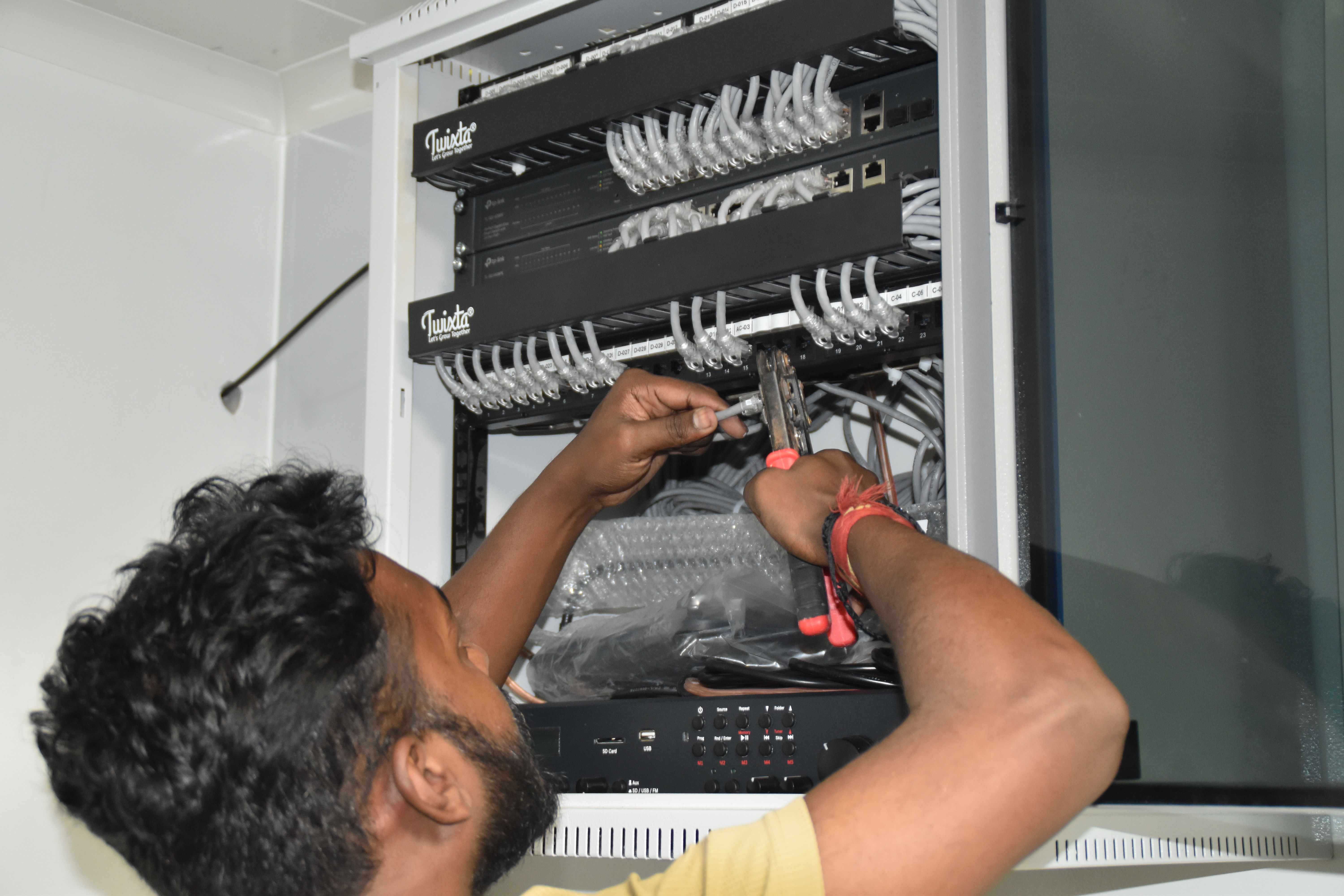
Resident IT engineer support — Yaas Technology Solutions, Karnataka

Enterprise WiFi deployment — Somerset Therapeutics, Karnataka
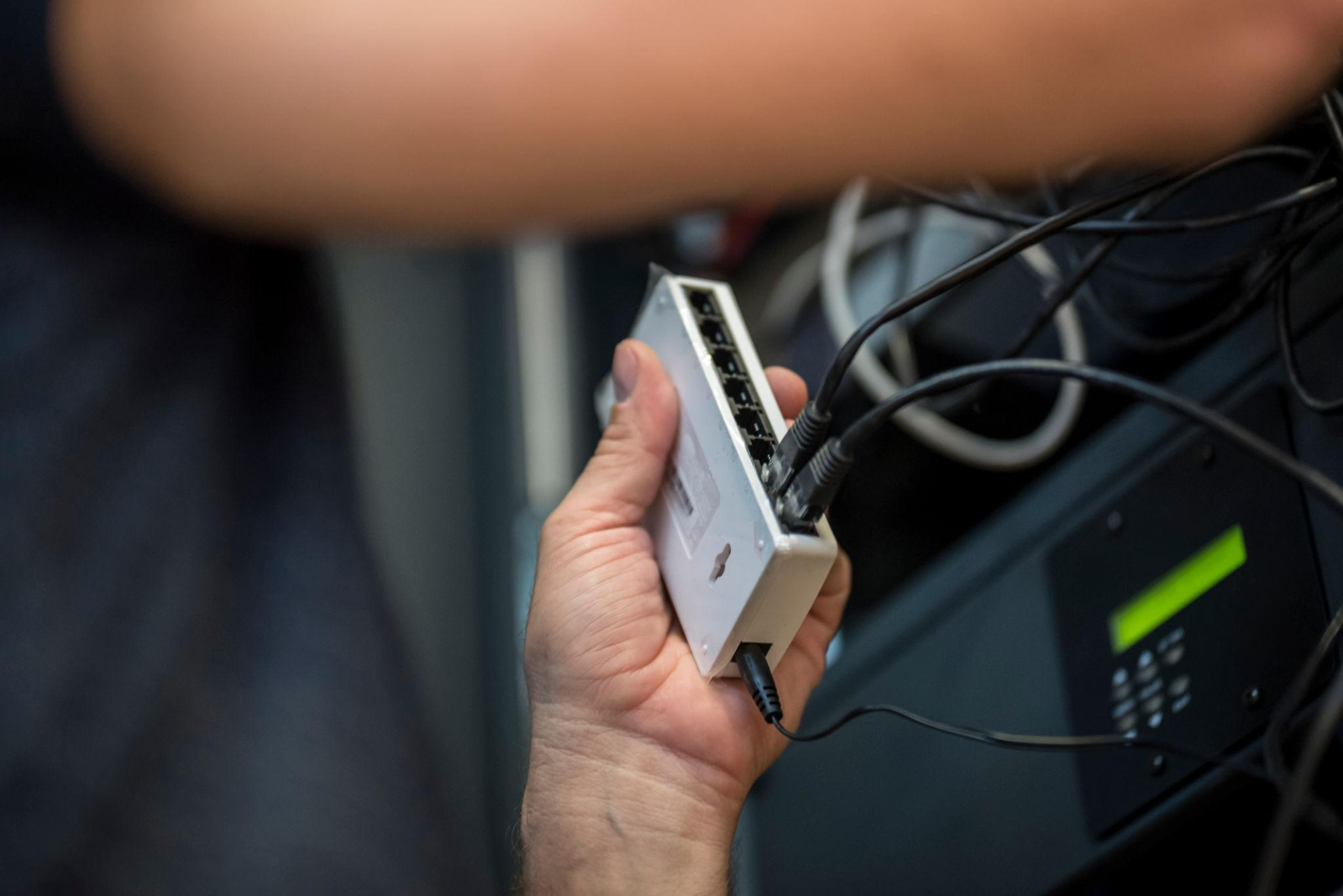
Structured cabling & CCTV infrastructure — Eriez, Tamil Nadu

Break‑fix troubleshooting & stabilization — AEOS Labs, Karnataka

Healthcare network deployment — HCG Cancer Hospital Tower 6, Karnataka
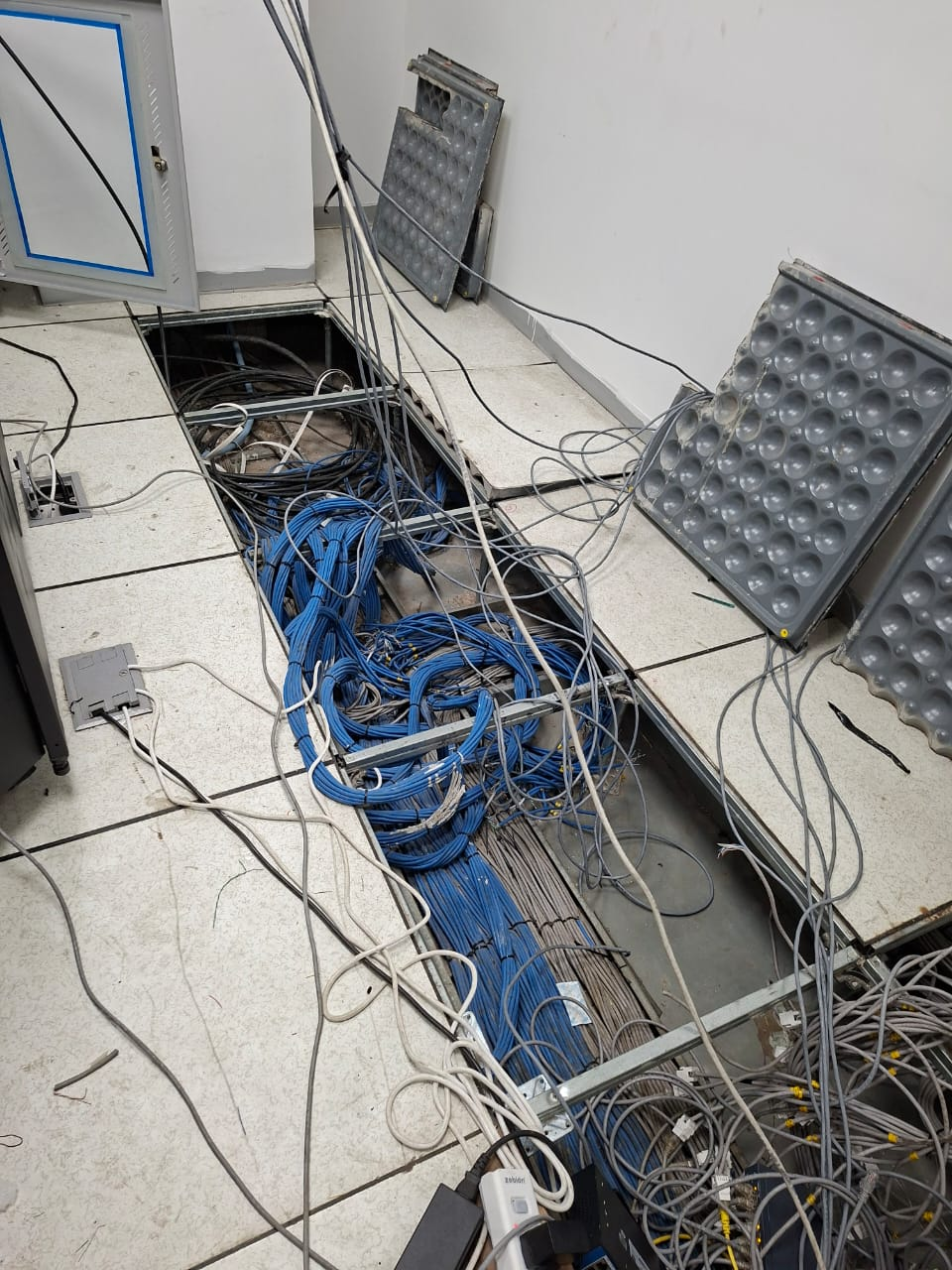
Enterprise infrastructure rollout — KRR Engineering Solutions, Tamil Nadu
25+ Enterprise Deployments Across South India
Zone‑based PA, priority override, fire‑alarm integration – all delivered 100% in‑house.
Trusted Across Industries in India
Hospitals & Healthcare
Manufacturing & Industrial
Corporate Offices
Educational Institutions
Hotels & Hospitality
Government & Civic
Retail & Malls
Transport & Logistics
“Layerix designed and installed a 12‑zone PA system for our 500‑bed hospital – integrated with the fire alarm and BMS. STI testing ensured clear announcements in every ward. The team was professional and on schedule.”
Facilities Director
Multi‑specialty Hospital, Bengaluru
“Our factory now has 8 zones with priority paging from security, production, and fire alarm. Layerix's zone design means announcements reach the right teams without disturbing others. Great clarity and reliability.”
Plant Manager
Manufacturing Plant, Chennai
Frequently Asked Questions
Everything you need to know about zone‑based PA systems.
How many PA zones do we need for our facility?+
Zone count depends on your building layout and operational needs. Typical guidelines: hospitals – zones per floor/ward; factories – zones per production hall/warehouse; hotels – zones per floor/function room; campuses – zones per building. Layerix recommends zone counts during the site assessment based on your specific layout and announcement requirements.
What is a zone in a PA system?+
A zone is a logical grouping of speakers in a PA system that can be addressed independently. For example, a hospital may have zones per floor or department – enabling announcements targeted to specific areas (e.g., 'Code Blue in Zone 3'), background music in lobbies, and emergency evacuation in all zones simultaneously.
Can zones be combined for all‑zone announcements?+
Yes. Zone‑based PA systems support both individual and group announcements – allowing you to page a single zone, a group of zones, or all zones simultaneously. Emergency and fire announcements typically override all zone settings and broadcast to every zone in the facility.
What is emergency priority override in PA systems?+
Emergency priority override ensures that critical announcements (fire alarms, evacuation, code alerts) take precedence over all other audio sources – immediately muting background music and routine paging. All Layerix zone‑based systems are configured with priority hierarchies per NBC fire code requirements.
What happens if the DSP fails – does the PA system go silent?+
Layerix designs zone‑based systems with failover and redundancy. We configure emergency bypass relays that maintain fire‑alarm override capability even if the DSP fails. For mission‑critical environments, we recommend redundant DSP units or analogue backup paths.
Can I add more PA zones later without replacing the entire system?+
Yes. Layerix designs zone‑based systems with expansion capability – using modular amplifiers, scalable DSPs, and pre‑wired zone cabling. We plan for future zone additions during the initial design so you can expand without replacing the core system.
Our Success Stories
Real zone‑based PA deployments across India






Ready to Deploy Your Zone‑Based PA System?
Book a zone assessment. Our acoustic engineers analyse your facility, design the right zone layout, and give you a fixed‑price proposal.
Response within 2 business hours · Pan‑India deployments · 100% in‑house team