
Cat6, Cat6A, OM4, or OS2? The Wrong Cable Choice Can Cost You Lakhs.
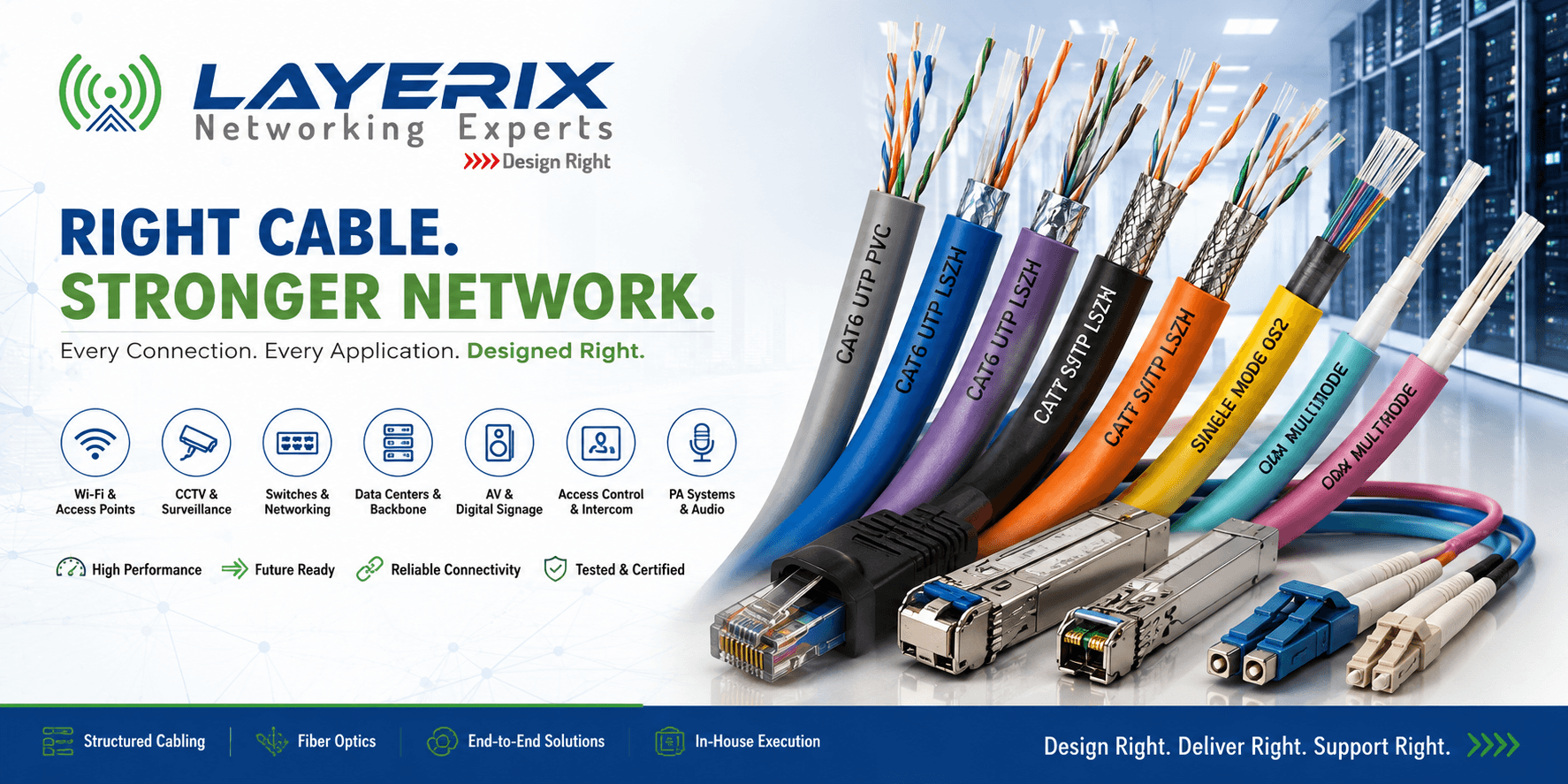
Somewhere on a project site right now, someone is looking at a cable quotation and asking the question that sounds simple until the network is already installed: “Why don't we just use Cat6 everywhere?”
It's a reasonable question. Cat6 works for a lot of things. Wi-Fi access points, IP cameras, phones, access control and everyday network connections can all use structured copper. So why complicate the BOQ with Cat6A, OM3, OM4 or OS2?
Because the cable isn't just carrying today's traffic. It becomes part of the building's infrastructure for years. The wrong choice can mean replacing cable after ceilings are closed, redesigning uplinks when bandwidth increases, or discovering that a “cheaper” installation wasn't actually cheaper. Let's look at the decision properly.
First, What Are We Even Choosing Between?
Cat6
A practical choice for a large number of enterprise endpoint connections. It can support common LAN, Wi-Fi, CCTV, IP phone and PoE applications when the distance, bandwidth and installation requirements are appropriate.
Cat6A
Designed for higher-performance structured cabling environments where 10GBASE-T, higher-density deployments, PoE requirements and longer infrastructure life need to be considered.
Optical Fiber
The choice when distance, bandwidth, electromagnetic interference or backbone architecture makes copper unsuitable. OM3, OM4 and OS2 aren't interchangeable just because they're all called “fiber.”
The Cable Mistakes Every Infrastructure Team Recognizes
“The Cheaper Cable That Became the Expensive Cable”
The initial quotation looks good. The cable is cheaper, the contractor wins the order and everyone moves on. Six months later, the organization starts planning a network upgrade and discovers that the existing infrastructure wasn't designed for the new requirements.
The hidden cost
Re-cabling an occupied building can mean new labour, ceiling access, pathway work, downtime and project disruption. The original cable price was only one part of the cost.
“The Wi-Fi Upgrade That Started With the Cable”
The organization upgrades its access points expecting better wireless performance. The APs are capable of higher speeds and higher PoE requirements, but the physical infrastructure was designed around an older generation of equipment.
The access point may be wireless, but the network connecting it to the switch is still a physical infrastructure decision.
“The CCTV Network That Worked Until the Site Became Bigger”
A few cameras over copper are easy. Then the site expands. More cameras arrive, distances increase, traffic grows and suddenly the original access-switch and backbone design becomes difficult to scale.
A scalable CCTV architecture often separates endpoint connectivity from the backbone instead of treating every camera as an isolated copper run.
“The Data Center Where the Fiber Choice Was Made From a Price List”
Someone compares OM3, OM4 and OS2 by price per metre and chooses the cheapest option. The problem appears later when optics, distance, speed and migration requirements enter the conversation.
Fiber selection should start with the required speed, optics, distance and architecture—not simply the lowest cable price.
“The AV System That Became a Networking Problem”
Modern conference rooms, digital signage and AV-over-IP systems increasingly depend on network infrastructure. The AV equipment gets specified first, while the underlying switching and cabling is treated as an installation detail.
When video starts travelling across the network, cable, switching, bandwidth and distance become part of the AV design—not something to solve after installation.
So Which Cable Actually Saves You Money?
Here's the honest breakdown, because “it depends” isn't very useful when you're preparing a BOQ:
| Application | Typical Choice | Why | Watch Out For |
|---|---|---|---|
| Standard LAN | Cat6 | Cost-effective structured copper | Distance and future bandwidth |
| Enterprise Wi-Fi | Cat6 / Cat6A | Data + PoE | AP generation and PoE requirements |
| IP CCTV | Cat6 | Suitable for many standard camera deployments | Distance, PoE and backbone design |
| High-performance copper | Cat6A | Higher-performance copper infrastructure | Installation space and bend radius |
| Data center backbone | OM3 / OM4 / OS2 | High-speed optical connectivity | Optics, distance and migration path |
| Long campus links | OS2 | Long-distance optical connectivity | Optics and termination strategy |
The pattern is simple: the expensive cable mistake usually isn't choosing Cat6 instead of Cat6A. It's choosing cable before understanding the application, distance, bandwidth, PoE requirement and future expansion.
Three Questions Before You Sign the Cable BOQ
What is the cable actually connecting?
A CCTV camera, Wi-Fi AP, server, switch uplink and data-center backbone don't necessarily need the same physical media.
What will this infrastructure need to support three to five years from now?
The cable inside the wall may outlive several generations of access points, cameras, switches and endpoints.
Who is responsible for testing and certifying the finished installation?
A cable installation isn't finished when the last connector is terminated. Testing, labeling, documentation and certification are part of the infrastructure.
Quick Decision Guide: Which Cable Fits Your Application?
Standard office LAN and endpoint connectivity
Start with Cat6 when the bandwidth, distance and environment make it appropriate.
High-density Wi-Fi or higher-performance copper infrastructure
Consider Cat6A when higher bandwidth, PoE and infrastructure lifecycle justify it.
Building, campus or data-center backbone
Use fiber and select OM3, OM4 or OS2 based on speed, optics, distance and architecture.
CCTV, access control, IP phones and PoE endpoints
Cat6 is often practical, but verify distance, PoE requirements, environment and the complete network architecture first.
AV over IP, digital signage and smart rooms
Select Cat6A or fiber based on the AV protocol, bandwidth, distance and switching architecture.
The Bottom Line
There isn't one cable that's right for every enterprise project. Cat6 isn't outdated, Cat6A isn't automatically better, and fiber isn't something you install simply because the project is large.
What actually creates problems is choosing the cable before understanding the application. Wi-Fi, CCTV, switching, data centers, access control, IP telephony, AV and PA all have different infrastructure requirements.
Start with the application, understand the bandwidth and distance, consider PoE and environmental requirements, plan for future expansion, and then select the cable. Get that sequence right and the cable stops being a line item on a quotation and becomes what it actually is: the foundation of the network.
Planning a New Network Infrastructure Project?
Not sure whether your project needs Cat6, Cat6A, OM3, OM4, OS2 or a combination? Layerix can help evaluate the application, distance, bandwidth and infrastructure requirements before the cabling work begins.
R Swaminathan
Founder & CTO, Layerix Networking Experts. Enterprise networking and infrastructure specialist.
Ready to optimize your network?
Contact Layerix Networks for expert IT infrastructure and networking solutions.