

PoE Switch Sizing & Installation
Power and Data. Through One Cable. Done Right.
Right PoE budget, right port count, right configuration — Layerix supplies, sizes, and installs managed PoE switches as the backbone of your enterprise Wi‑Fi, IP cameras, and VoIP phones.
Trusted by 30+ enterprises across India — powering Wi‑Fi networks with right‑sized PoE






Why Enterprises Trust Our
PoE Switch Infrastructure
Under‑sizing a PoE switch causes outages. Over‑sizing wastes budget. Layerix calculates the exact power budget, selects the right switch, and configures it for seamless integration with your Wi‑Fi network.

Power Budget, Not Guesswork
We calculate exact PoE load per device with 20% headroom — no more under‑powered switches or wasted money on over‑sizing.
Multi‑Vendor Certified
Cisco, Aruba, D‑Link, TP‑Link, Netgear — we supply and configure the brand that fits your environment and budget.
AP + Switch, One Scope
Same team that installs APs sizes and deploys the PoE switch — no finger‑pointing, no compatibility gaps.
Cloud‑Managed by Default
All managed switches are configured for remote access via web GUI, SNMP, or cloud platform — from day one.
100% In‑House Engineers
No subcontractors. Every switch is racked, cabled, and configured by a direct Layerix employee.
Documented & Tested
We verify PoE output on every port, document VLAN and QoS settings, and hand over a complete as‑built.
From Survey to Powered Network in 6 Steps
Site Survey & Load Calc
Count devices, measure cable runs, calculate total PoE budget with 20% headroom.
Switch Selection
Choose the right switch: port count, PoE standard (af/at/bt), uplink speed, management type.
Rack Mount & Cable
Rack‑mount the switch, connect patch panels, and route cables neatly to each AP location.
VLAN & QoS Config
Configure VLANs for traffic segmentation, QoS for voice/video priority, and management access.
PoE Verification
Measure actual power output on every port — confirm each device receives its required wattage.
Documentation & Handover
Provide switch port map, VLAN table, admin credentials, and training for your IT team.
PoE Budget, Switch Selection & Standards
PoE Budget Calculator
Step 1: Count PoE devices (APs, cameras, phones, etc.)
Step 2: Find wattage per device: AP: 12–30W / Camera: 7–15W / Phone: 3–7W
Step 3: Add 20% headroom for future expansion
Step 4: Choose a switch with that total PoE budget
Example:
10 APs × 25W = 250W + 20% = 300W min → Recommended: 370W PoE switch
Switch Selection Guide
| Scale | Ports | PoE Budget |
|---|---|---|
| Small office | 8–16 | 65–130W |
| Mid‑size enterprise | 24–48 | 370–740W |
| Large enterprise | 48+ | 740W+ |
| Outdoor | 8–16 | 130–250W |
PoE Standards Explained
| Standard | Power/Port | Typical Use |
|---|---|---|
| 802.3af (PoE) | 15.4W | Basic APs, phones |
| 802.3at (PoE+) | 30W | Modern APs, cameras |
| 802.3bt (PoE++) | 60–90W | High‑power APs, PTZ cameras |
✓ 240‑AP Wi‑Fi 6 Deployment
Enterprise Office, Bengaluru
12 × 48‑port PoE+ switches, 740W each. Centralised cloud management, VLAN per floor, QoS for voice/video. Zero power‑related issues post‑deployment.
Real Racks. Real Switches. Real Power.
PoE switch deployments across Karnataka and Tamil Nadu — offices, hospitals, and industrial networks.
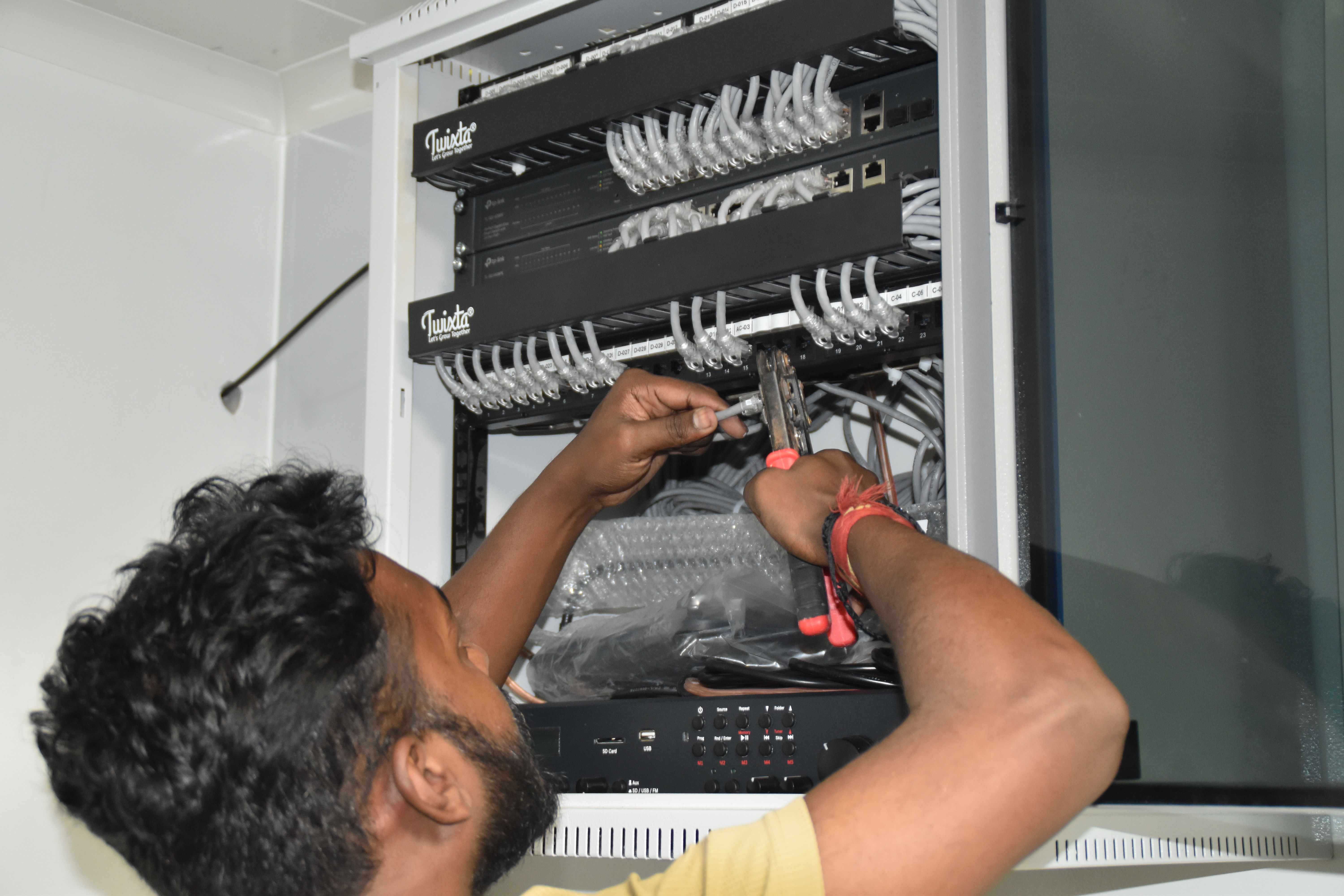
PoE switch rack setup — Yaas Technology Solutions, Karnataka

Enterprise switch deployment — Somerset Therapeutics, Karnataka
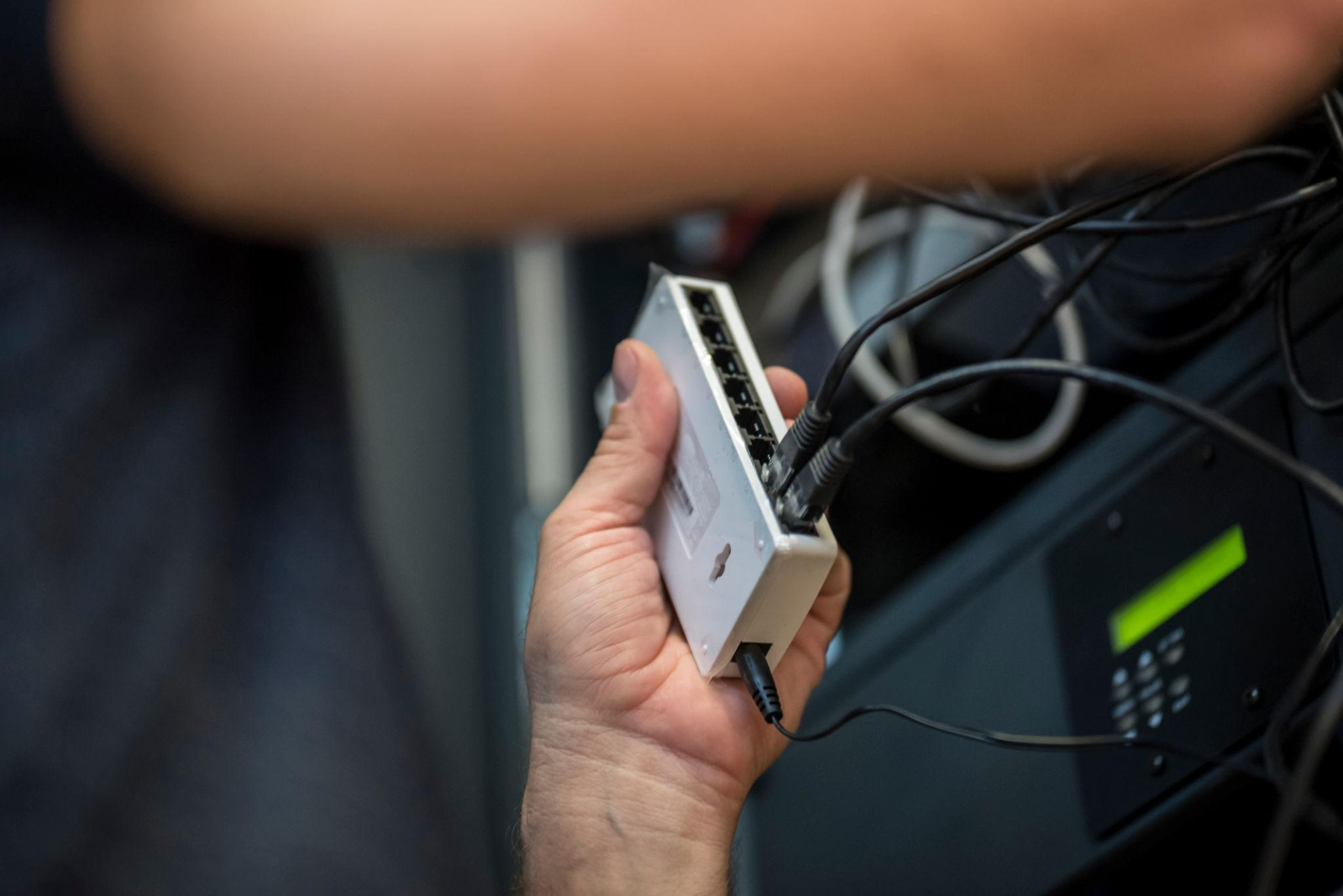
Structured cabling & PoE — Eriez, Tamil Nadu
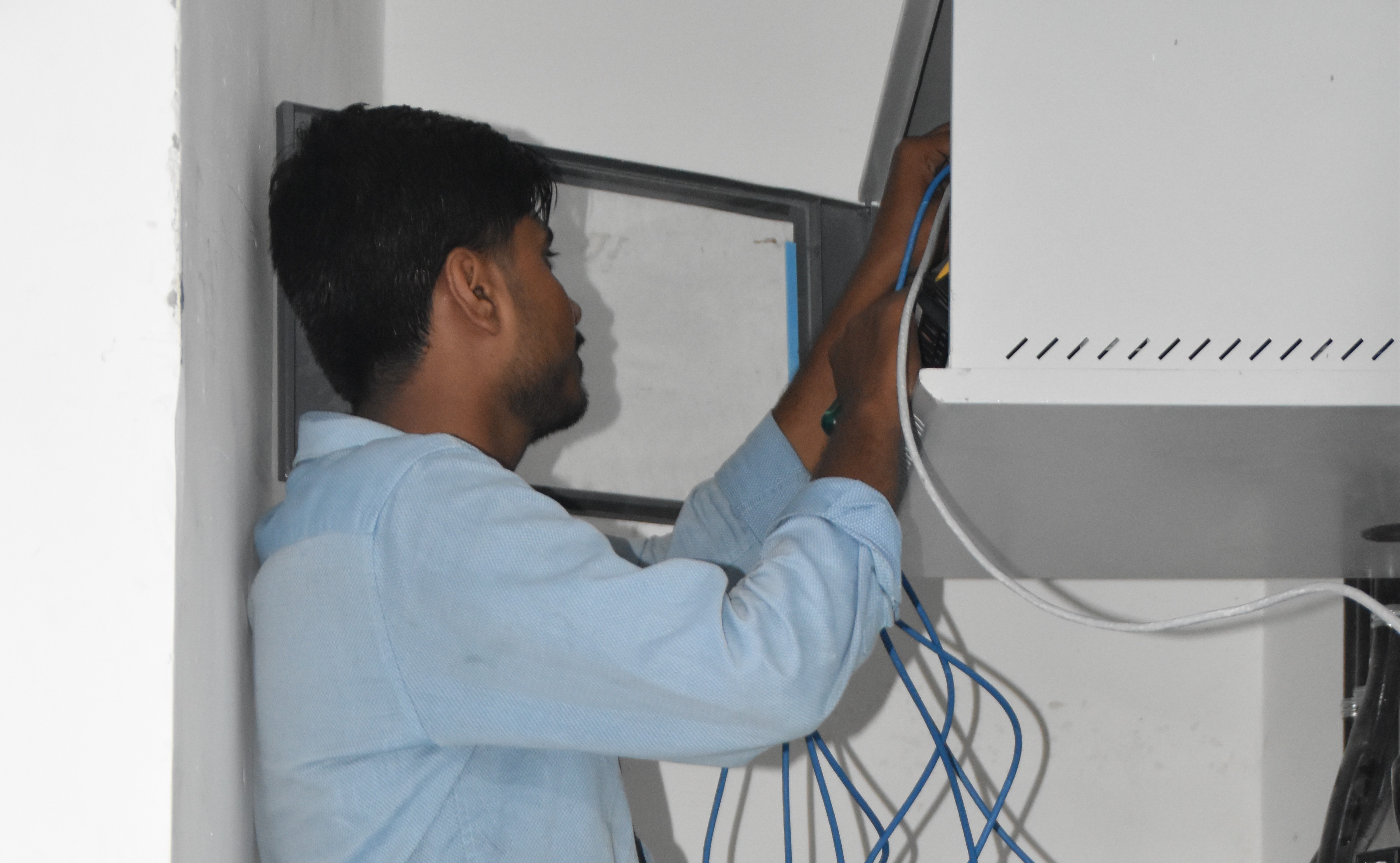
Network rack with PoE+ switches — AEOS Labs, Karnataka

Healthcare PoE infrastructure — HCG Cancer Hospital, Karnataka
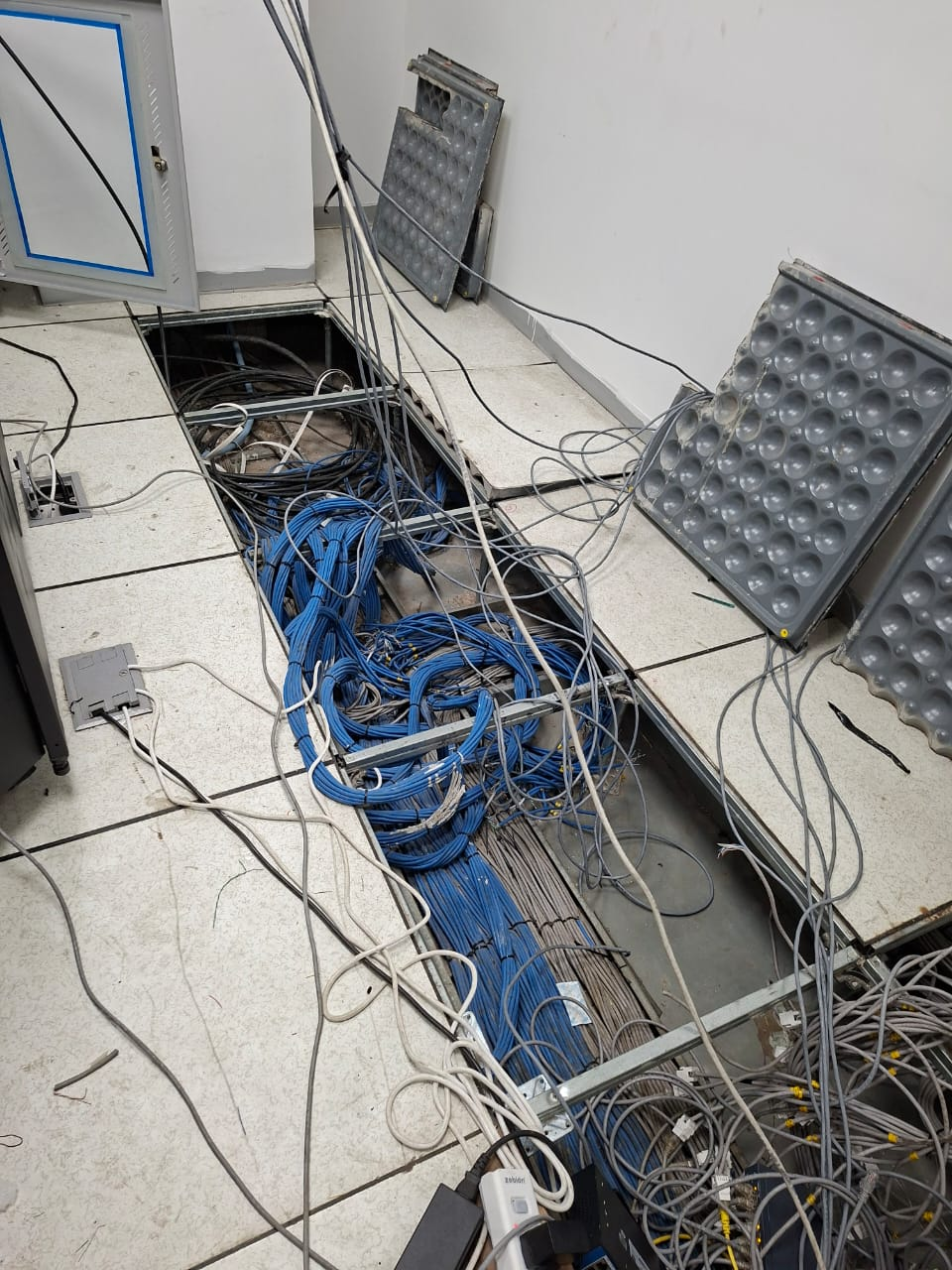
Enterprise rollout — KRR Engineering Solutions, Tamil Nadu
25+ PoE Switch Deployments Across South India
PoE+, PoE++, managed and cloud‑ready switches powering access points, cameras, and more.
PoE Switch Infrastructure for Every Sector
Corporate Offices
Floor‑based PoE switches, VLANs
Warehouses & Logistics
High‑power PoE for scanners, outdoor APs
Hospitals & Healthcare
Redundant PoE, UPS‑backed
Schools & Universities
Campus‑wide switch distribution
Hotels & Hospitality
PoE for guest Wi‑Fi, IPTV, phones
Pharma & Cleanrooms
Managed PoE with strict segmentation
Construction & Tech Parks
Temporary PoE networks, rapid deployment
Banking & Finance
Secure, managed PoE for surveillance
PoE Switch Questions
Everything you need to know about PoE switch sizing and installation.
Can we use our existing switches and just add APs?+
Possibly. We check your existing switch's PoE budget, port count, VLAN support, and uplink speed before recommending. Often existing switches can support additional APs if the budget allows.
What brands of PoE switches do you supply?+
Cisco, Aruba, D‑Link, TP‑Link, and Netgear — selected based on your scale, budget, and management preference.
Do PoE switches need special power supply?+
No. They run on standard 230V AC. The PoE power budget is derived internally from the switch's power supply.
Can a PoE switch be managed remotely?+
Yes — managed PoE switches support SNMP, web GUI, and cloud management platforms. Layerix configures remote management as standard.
What happens if the PoE budget is insufficient?+
If total device power exceeds the switch's PoE budget, some ports will fail to power on. We calculate with 20% headroom to avoid this.
Can I mix PoE and non‑PoE devices on the same switch?+
Yes. PoE switches detect connected devices and only provide power to those that request it. Non‑PoE devices are safely ignored.
What's the difference between managed and unmanaged PoE switches?+
Managed switches allow VLAN configuration, QoS, monitoring, and remote management. For enterprise Wi‑Fi, managed is essential.
Do you provide redundant power for PoE switches?+
Yes — for critical deployments we offer switches with dual power supplies or external RPS (redundant power supply) to ensure uptime.
Our PoE Switch Success Stories
Real PoE deployments across India























METEC Design and Construction Engineers India Private Limited
India












Get the Right PoE Switch for Your Network
Tell us about your devices and we'll recommend the perfect PoE switch with the right port count, power budget, and management features.
Response within 2 business hours · Pan‑India deployments · Multi‑vendor certified