

AV over IP
4K Distribution · Low Latency
Networked AV distribution – SDVoE, Crestron NVX, Extron NAV. Multi‑room 4K signal distribution over Ethernet. Pan‑India deployment by network‑aware AV engineers.
Extron NAV · Q‑SYS
50‑150ms (JPEG2000)
HDR · HDCP 2.2
VLAN Segmentation · PoE
Trusted by 30+ enterprises across India






Complete AV over IP Infrastructure
From encoders to network architecture to management – all delivered in‑house, pan‑India.

AV over IP Encoders & Decoders
SDVoE, Crestron NVX, Extron NAV – encode HDMI sources to IP and decode IP to HDMI displays. 4K/8K, HDR, and HDCP 2.2 compliant.

Network Architecture Design
AV‑aware network design – IGMP snooping, multicast routing, QoS, VLAN segmentation, and bandwidth calculation for 4K streams.

Low‑Latency Solutions (<1ms)
SDVoE‑based deployments with sub‑millisecond latency for live production, camera switching, and interactive applications.

Multi‑Room & Campus Distribution
Any source to any display across buildings – classrooms, boardrooms, hospitality, and campus‑wide digital signage over the network.

Crestron NVX & Extron NAV Deployment
End‑to‑end deployment of Crestron NVX or Extron NAV ecosystems – encoders, decoders, management software, and control integration.

Management & Monitoring Dashboard
Centralised management console for device discovery, stream routing, firmware updates, and health monitoring of the AV over IP network.
Why Enterprises Choose Our
AV over IP Engineers
AV over IP is not just about replacing HDMI cables – it's about designing a network that scales, delivers low latency, and integrates with your existing infrastructure. We design systems that combine AV expertise with deep network knowledge.

AV + Network One Team
No finger‑pointing between separate network and AV teams – we design the network backbone and AV distribution together.
Zero Subcontracting
Every AV over IP project is installed by our own engineers – both network configuration and AV hardware.
Network‑Aware Design
IGMP snooping, multicast routing, QoS, VLANs, and bandwidth planning – built into every deployment.
Platform‑Agnostic
SDVoE, Crestron NVX, Extron NAV, Q‑SYS – we recommend the right platform, not a forced vendor.
Full Documentation
Network diagrams, IP schemas, device maps, and management credentials – all delivered at handover.
AMC with Network Health
Annual maintenance contracts with proactive health checks, firmware updates, and 12×6 break‑fix support.
From Design to Deployment in 6 Steps
Requirements & Site Audit
Map sources, displays, distances, network infrastructure, and latency/bandwidth requirements.
AV over IP Architecture Design
Select platform (SDVoE/NVX/NAV), design network topology, multicast groups, and QoS policies.
Hardware Selection & Network Prep
Recommend encoders/decoders, switches, and cabling. Prepare network for IGMP and multicast.
Installation & Configuration
100% in‑house team. Mount encoders/decoders, cable, and configure network switches.
Stream Routing & Management Setup
Configure routing, presets, management console, and integrate with control systems.
Testing & Handover
Test latency, sync, failover, and security. Deliver documentation and user training.
AV over IP vs Traditional Matrix Switcher – Which Architecture?
| Feature | Traditional Matrix | AV over IP |
|---|---|---|
| Scalability | Hardware‑limited (ports) | Unlimited (network‑based) |
| Cabling | Dedicated HDMI/HDBaseT | Standard Ethernet (Cat6/6A) |
| Flexibility | Fixed routing matrix | Software‑defined routing |
| Latency | ~10‑30ms (HDBaseT) | <1‑50ms (codec dependent) |
| Best For | Small rooms, fixed installations | Multi‑room, campus, scalable |
*Layerix recommends AV over IP for new builds and multi‑room deployments; traditional for small, fixed installations.
Real AV over IP Deployments
Live AV over IP installations across Karnataka and Tamil Nadu – corporate campuses, education, hospitality, and command centres.
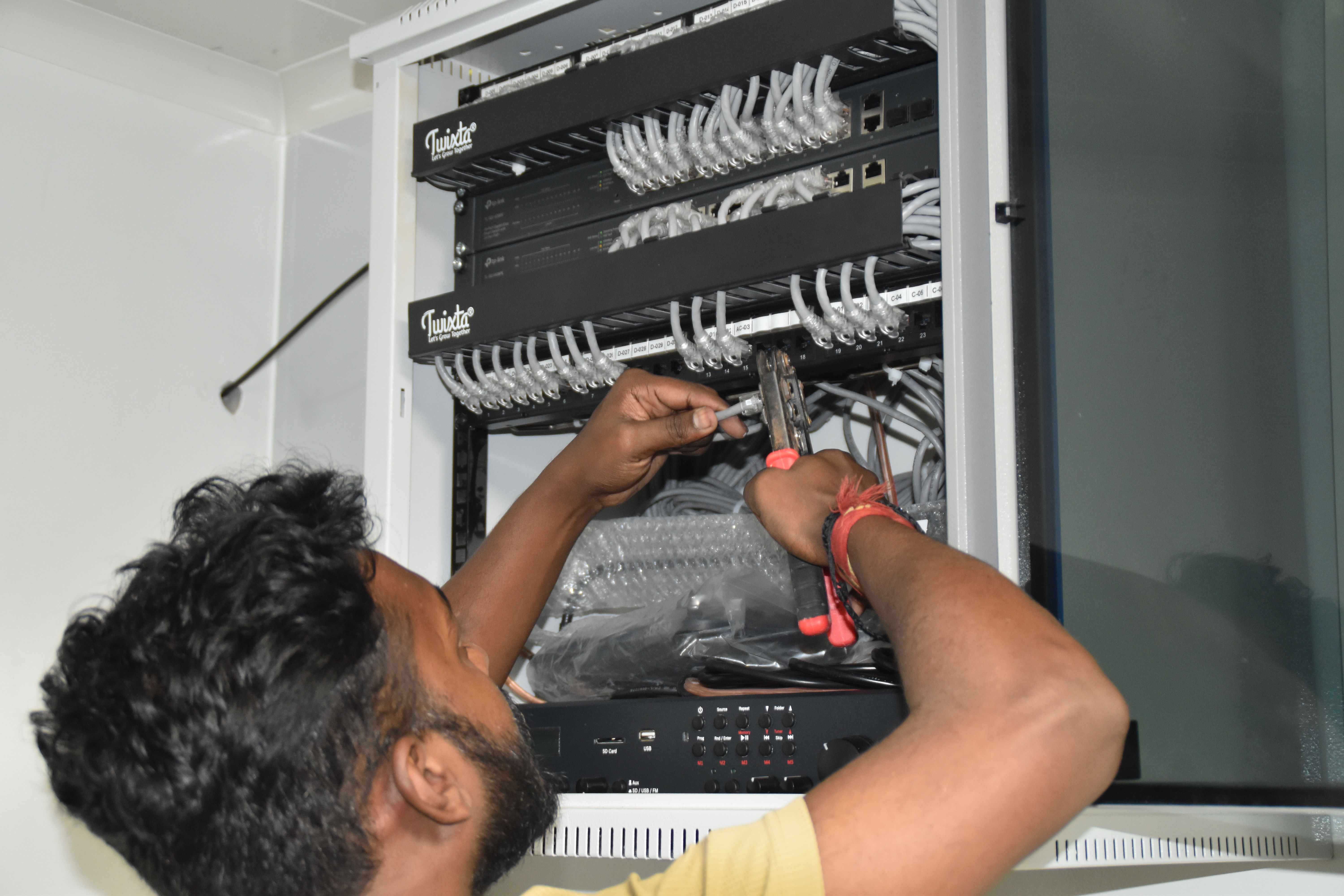
Resident IT engineer support — Yaas Technology Solutions, Karnataka

Enterprise WiFi deployment — Somerset Therapeutics, Karnataka
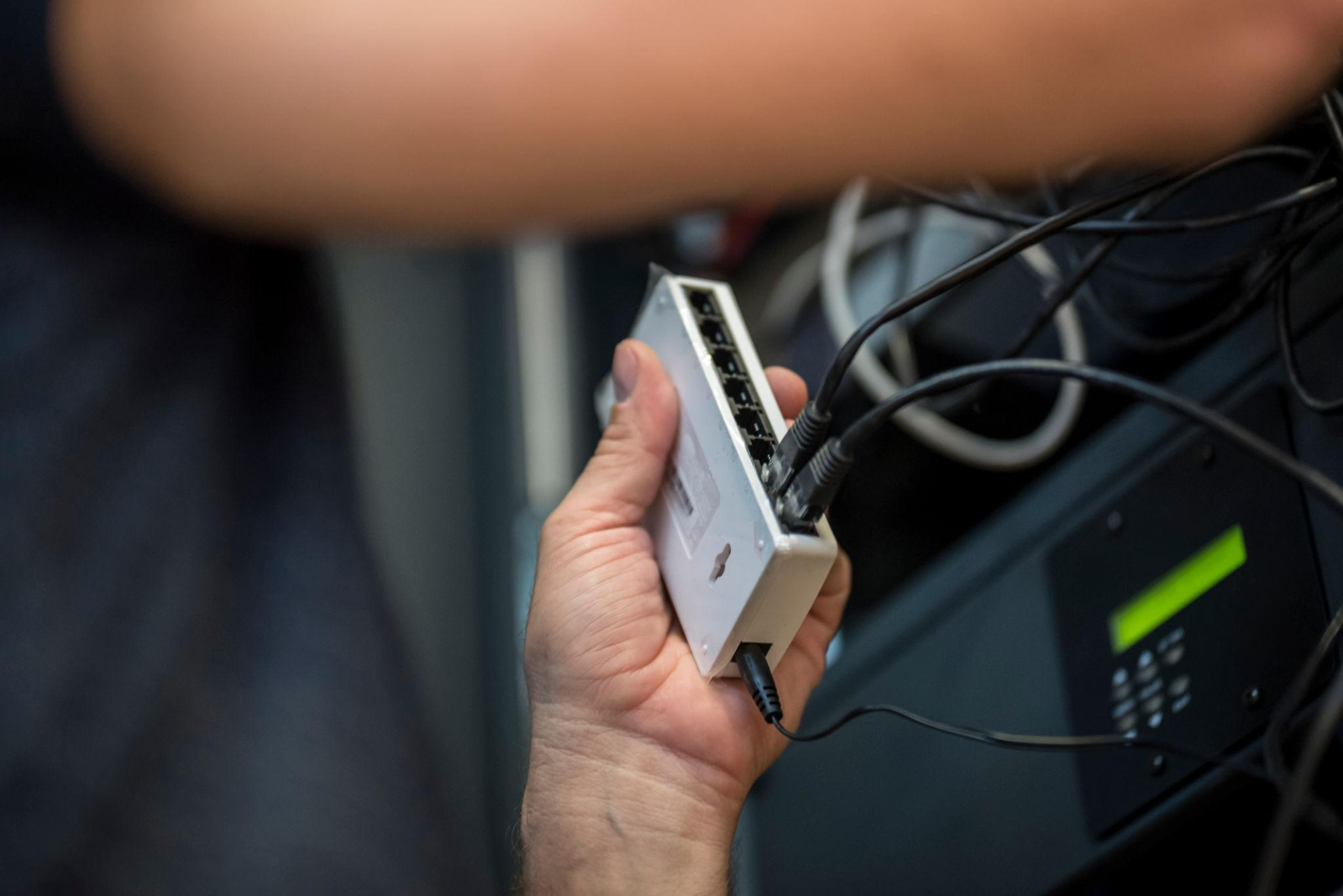
Structured cabling & CCTV infrastructure — Eriez, Tamil Nadu
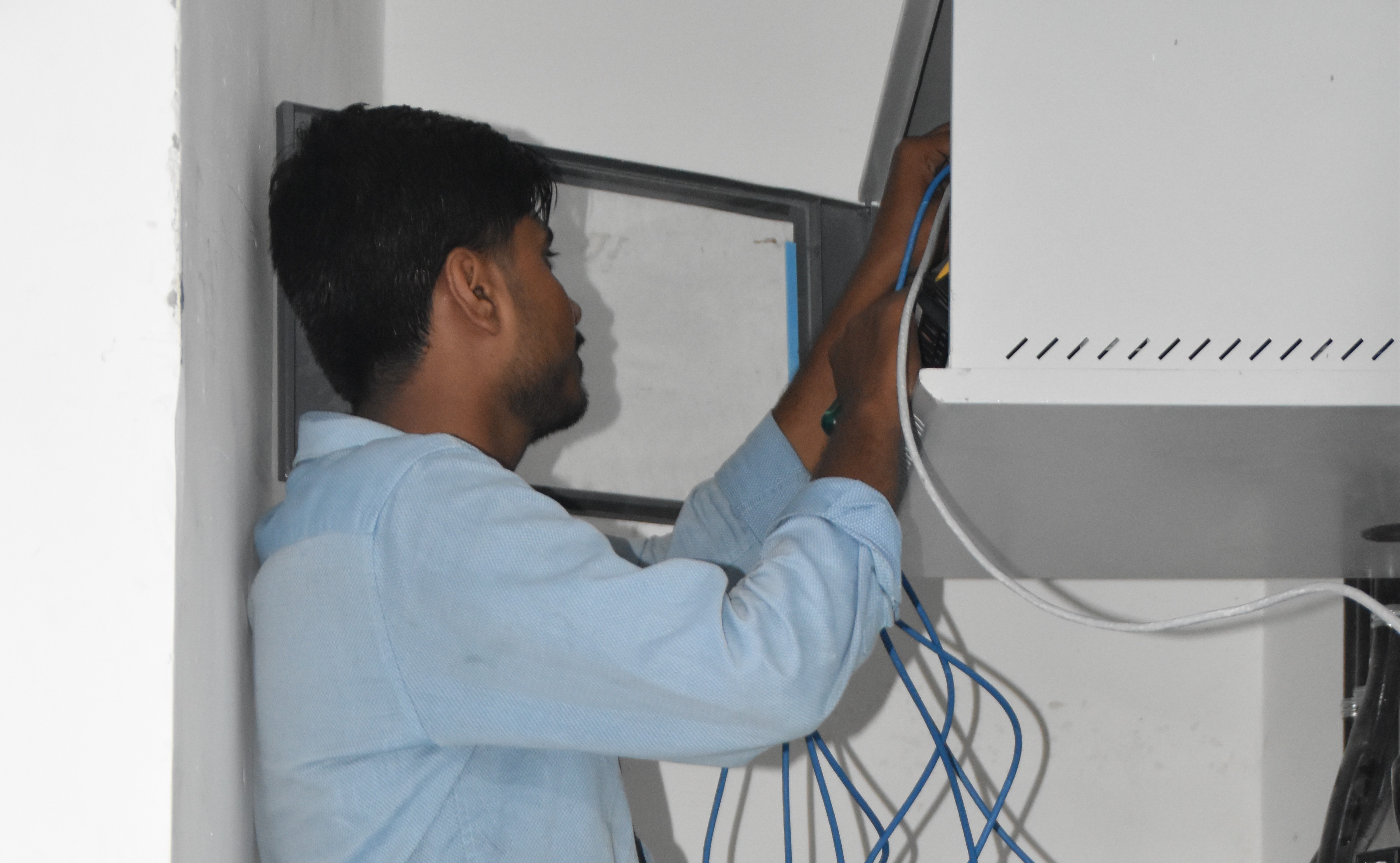
Break‑fix troubleshooting & stabilization — AEOS Labs, Karnataka

Healthcare network deployment — HCG Cancer Hospital Tower 6, Karnataka
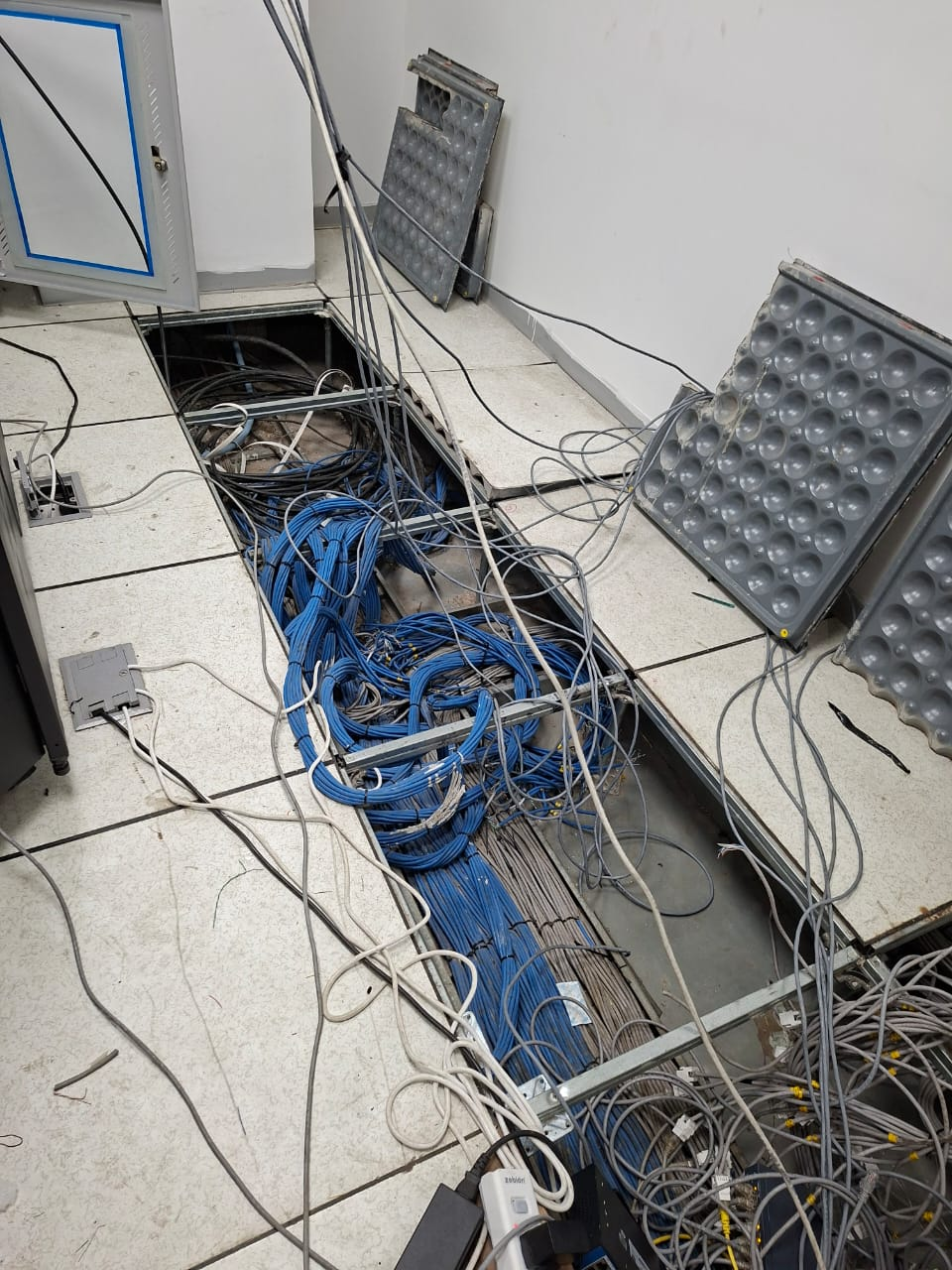
Enterprise infrastructure rollout — KRR Engineering Solutions, Tamil Nadu
25+ Enterprise Deployments Across South India
AV over IP, network distribution, 4K streaming – all delivered 100% in‑house.
Trusted Across Industries in India
Corporate Offices
Education
Hotels & Hospitality
Government & Civic
Technology Companies
Hospitals & Healthcare
Manufacturing
Broadcast & Media
“Layerix deployed Crestron NVX across our 15‑room campus – any source to any display with sub‑20ms latency. The network design handled 4K streams flawlessly, and the management console gives us full control.”
IT Director
Education Campus, Bengaluru
“We needed AV distribution across 5 floors of our new office. Layerix designed SDVoE with <1ms latency for live production and seamless integration with our existing network. Zero finger‑pointing between AV and network teams.”
Facilities Head
Corporate Office, Mumbai
Frequently Asked Questions
Everything you need to know about AV over IP.
What is AV over IP and why is it replacing traditional matrix switchers?+
AV over IP sends audio and video signals over standard Ethernet networks using encoders/decoders. It replaces bulky matrix switchers with flexible, software‑defined routing, allowing any source to any display over the network. It scales easily, supports 4K/8K, and simplifies cabling. Traditional matrix switchers are hardware‑limited and less flexible.
AV over IP vs traditional matrix switcher – what's the cost difference?+
AV over IP typically has lower total cost of ownership for installations with 4+ sources/displays. Individual encoders/decoders cost ₹50,000‑₹1,50,000 each, but you save on expensive matrix hardware, dedicated HDMI/HDBaseT cabling, and get unlimited scalability. For small rooms (1‑2 sources), matrix switchers may be cheaper upfront.
What is IGMP snooping and why does it matter for AV over IP?+
IGMP snooping is a network switch feature that prevents multicast traffic from flooding all ports – directing it only to devices that need the stream. For AV over IP using multicast (one source to many displays), IGMP snooping is essential to avoid overwhelming your network with unnecessary traffic.
What is the typical latency for AV over IP?+
Latency depends on the codec and network. SDVoE achieves <1ms latency, making it suitable for live production. Crestron NVX has 10‑20ms latency. JPEG2000 and H.264 codecs have 50‑150ms latency – fine for presentations but not live camera switching. Layerix recommends the right codec for your use case.
What is the difference between unicast and multicast AV over IP?+
Unicast sends a separate stream to each display – bandwidth increases with each viewer. Multicast sends one stream that multiple displays can subscribe to – bandwidth remains constant regardless of viewers. Multicast is ideal for campus‑wide announcements and video walls; unicast is better for point‑to‑point distribution.
Is AV over IP secure from unauthorised access?+
Yes. AV over IP systems support VLAN segmentation, 802.1X authentication, AES encryption, and role‑based access control. Layerix designs AV networks with security in mind – isolating AV traffic from corporate data and restricting access to authorised users.
Our Success Stories
Real AV over IP deployments across India






Ready to Deploy AV over IP?
Book a AV over IP assessment. Our engineers analyse your distribution needs, design the right network architecture, and give you a fixed‑price proposal.
Response within 2 business hours · Pan‑India deployments · 100% in‑house team